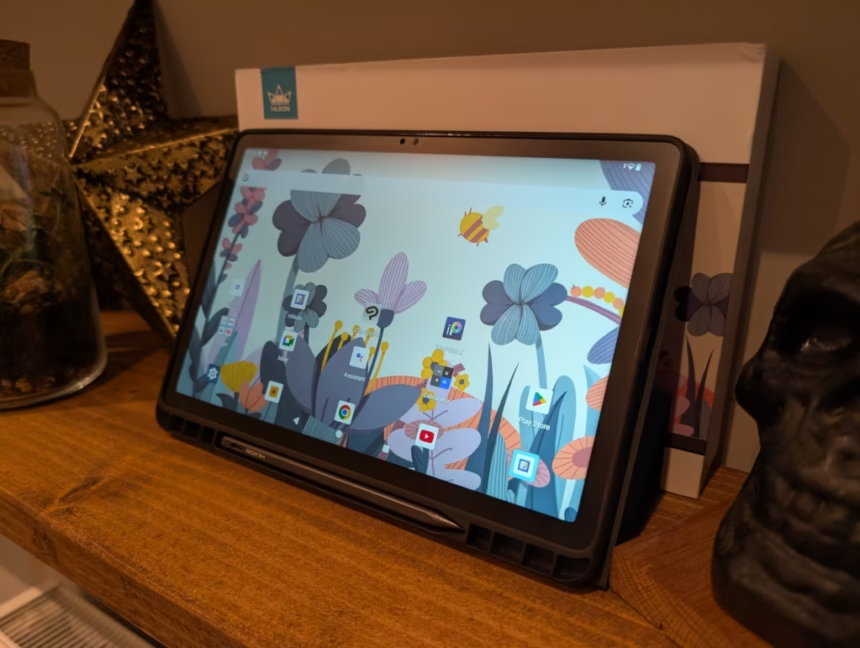
Any links to online stores should be assumed to be affiliates. The company or PR agency provides all or most review samples. They have no control over my content, and I provide my honest opinion.
I’ve been testing the Huion Kamvas Slate 11 for several weeks now, and it’s an interesting proposition in the drawing tablet market. This is Huion’s attempt at creating a standalone Android drawing tablet that bridges the gap between a traditional graphics tablet and a consumer Android tablet. At around £240, it’s positioning itself as an affordable entry point for digital artists who want something portable without needing a computer connection.
The key selling point here is independence – this runs Android 14 and works entirely on its own, unlike traditional drawing tablets that need to be tethered to a PC or Mac. I was curious to see whether this could actually deliver a decent drawing experience at this price point, or if the compromises would be too significant.
Related Reviews
Specification
| Specification | Details |
| Product Name | Kamvas Slate 11 |
| Product Model | KT1101 |
| CPU | MTK Helio G99 |
| Graphics | – |
| RAM | 8 GB |
| Storage | 128 GB (Expandable up to 1 TB via microSD card) |
| Wireless Type | 2.4GHz, 5GHz |
| Bluetooth | Bluetooth 5.0 |
| Camera | Front: 8.0 MP / Rear: 13.0 MP |
| Speaker | 8Ω 1W × 4 |
| Microphone | Dual Microphone |
| Sensors | Gyro Sensor, Geomagnetic Sensor, Hall Sensor, Light Sensor |
| Interfaces | Type-C port: USB 2.0 charging/data transfer, supports Type-C audio devices; MicroSD slot: supports up to 1 TB |
| Panel Size | 11’’ |
| Resolution | 1920 × 1200 |
| LCD Type | IPS |
| Active Area | 147.4 × 235.9 mm |
| Contrast Ratio | 1000:01:00 |
| Brightness | >350 nits |
| Response Time | – |
| Viewing Angle | – |
| Gamut Coverage | 99% sRGB |
| Display Colour | 16.7M (8-bit) |
| Pen Technology | Active Capacitive |
| Pen Resolution | – |
| Pressure Levels | 4096 Levels |
| Accuracy | – |
| Reading Height | – |
| Tilt Recognition | Yes |
| Finger Touch | 10-point Capacitive Touch |
| Digital Pen | H-Pencil Active Capacitive Stylus |
| Battery | 8000 mAh |
| Input Voltage | 9V 2A |
| Output Voltage | – |
| Press Keys | – |
| Stand | Leather case with stand function |
| Operating System | Android 14 |
| AG Glass | Yes |
| Full Lamination | Yes |
| Operating Temp. & Humidity | 0–40°C, 20–80% |
| Storage Temp. & Humidity | -20°C–60°C, 10–90% |
| Dimensions | 256.8 × 168.3 × 7.5 mm |
| Net Weight | 500 g |
| Colour | Dark Grey |
Set Up Problems
Unfortunately, when I first tried to set up the tablet, I got a “dm-verity corruption” error, stating that the device can’t be trusted.
Pressing the power button got it to start booting, and eventually, I was able to get to the Android set-up screen, but this wasn’t the best start.
Additionally, rebooting the tablet throws up the error again, and I have to remember to press the power button to continue.
I searched for other people reporting this issue with this tablet, and Huion in general, and wasn’t able to find any other reports, so I am inclined to say that this was just bad luck and a rare/one-off experience.
There are instructions online for other Android devices on how to fix this problem permanently, but they require access to fastboot and adb, which is likely beyond the abilities of the average person (or at least, their willingness to fix it).
Beyond this, the tablet set-up process was the same as any other Android device.
Design, Display, Pen and Build Quality

he build quality genuinely surprised me for this price point. The aluminium back feels premium and solid, not the cheap plastic I expected at £240. At 500g and just 7.5mm thick, it’s remarkably portable – about the same weight as carrying a paperback book. The dark grey finish looks professional, though the camera module on the back does protrude significantly. Without the included case, I’d worry about scratching it when placing the tablet on hard surfaces.
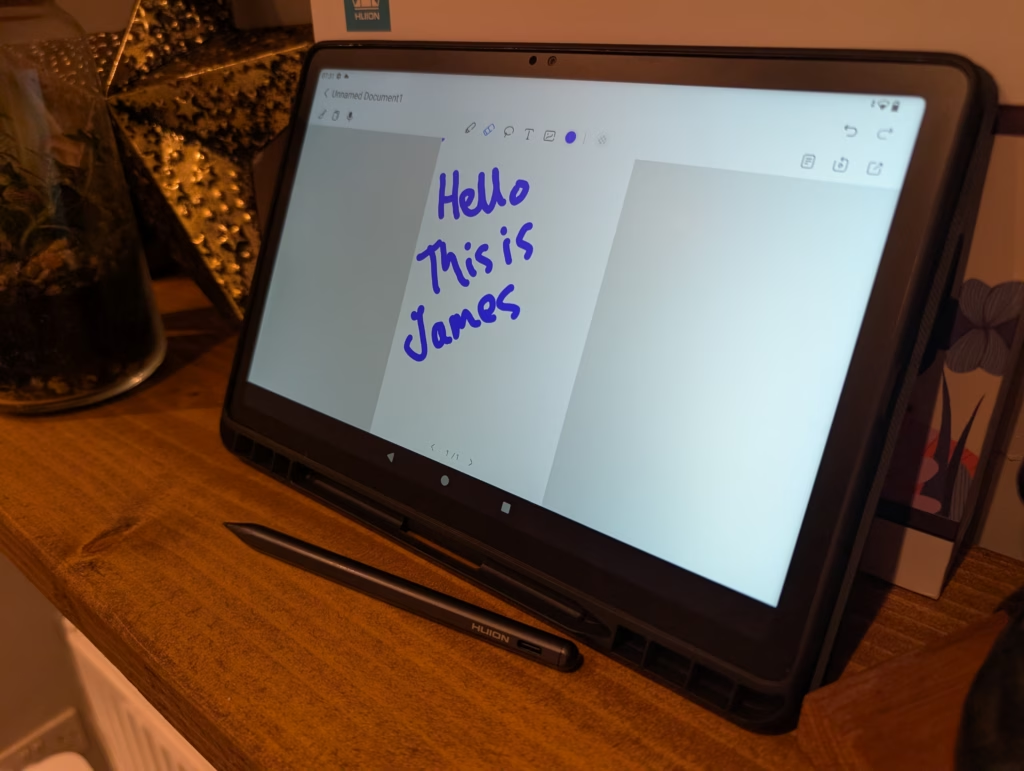
The 11-inch display has a 16:10 aspect ratio, which I find more practical than the squarer 4:3 ratio of the larger Slate 13. The 1920×1200 resolution works out to about 207 PPI – not razor sharp, but adequate for drawing. The nano-etched matte surface does reduce the perceived sharpness slightly, but that’s the trade-off for reduced glare and better pen feel.
I have mixed feelings about the display quality. The matte finish successfully eliminates reflections and provides excellent tactile feedback when drawing – it genuinely feels closer to paper than glass. However, at 350 nits maximum brightness, it’s noticeably dimmer than most modern tablets. Indoor use is fine, but forget about using this outdoors on a sunny day. Colours also appear somewhat muted compared to my iPad Pro. The 99% sRGB coverage is decent on paper, but in practice, colours look flat and lack vibrancy.
The viewing angles are particularly disappointing for an IPS panel. There’s noticeable colour shift and brightness fall-off when viewing from an angle, creating an unwanted vignette effect around the edges even when viewed straight on. For serious colour-critical work or photo editing, this display simply isn’t up to the task.
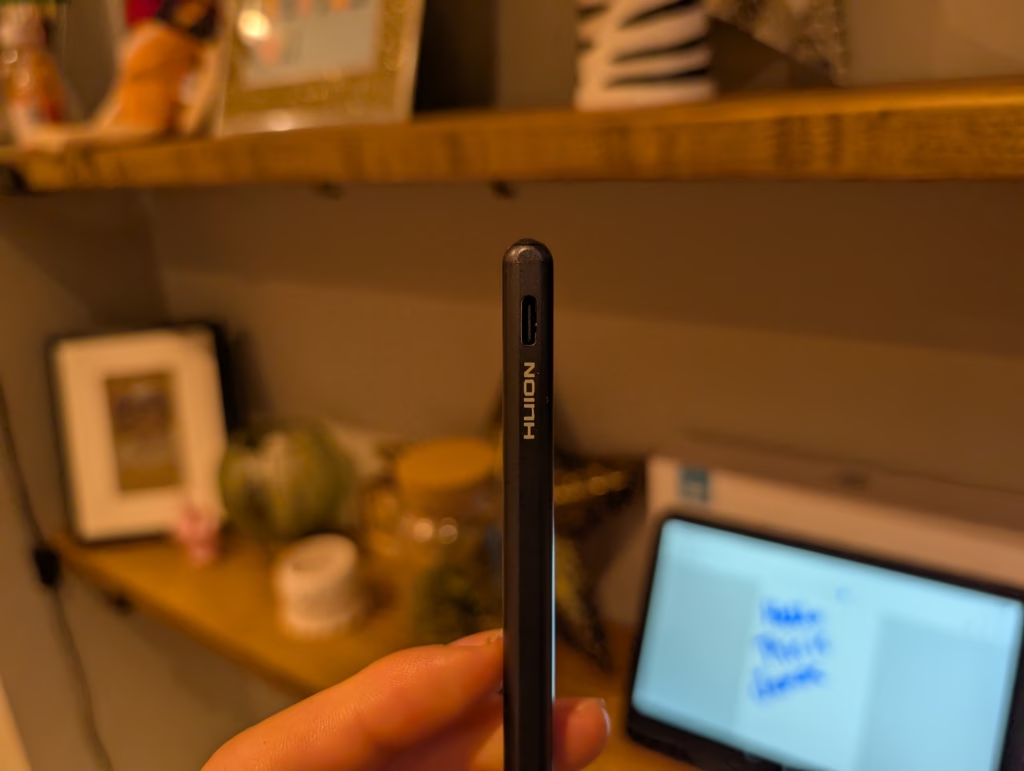
The H-Pencil itself feels surprisingly good in hand. It has a nice weight to it and doesn’t feel cheap like I expected. The metallic finish (though it’s actually plastic) gives it a premium feel. There’s a single programmable button that you can configure for various shortcuts. Battery life on the pen is excellent – I’ve been getting about 20 hours of continuous use between charges.
Android OS
Running Android 14 gives you access to the full Google Play Store ecosystem, which is both a strength and weakness. The positive is that you can install any Android drawing app – Infinite Painter, ArtFlow, Concepts, and many others work well. You also get split-screen multitasking, which is genuinely useful for reference images or tutorials while drawing.
The MediaTek Helio G99 processor, while not cutting-edge (it was released in 2022), handles most drawing apps adequately when paired with 8GB of RAM. Basic sketching and painting with a reasonable number of layers works smoothly. However, push it with large canvases or complex projects with dozens of layers, and you’ll start seeing lag.
I tested various apps extensively. Adobe Photoshop Express handles basic JPEG editing well but struggles with RAW files. Krita runs surprisingly well for most tasks, though complex brush engines can cause slowdown. Clip Studio Paint, which has excellent Android optimisation, probably runs best of all the professional apps I tested.
The 128GB storage is adequate, expandable to 1TB via microSD. I’d recommend getting at least a 256GB card if you plan to store many projects locally. File management between the tablet and other devices works well through cloud services like Google Drive or Dropbox.
Drawing Experience
Here’s where things get complicated. The drawing experience on the Kamvas Slate 11 is decent for casual use but has several issues that prevent it from being great.
The biggest problem is the initial activation force (IAF) required to register pen input. Light strokes often don’t register at all, making it difficult to achieve thin, delicate lines or subtle shading. This is particularly frustrating when trying to build up tones gradually or work with fine details. I found myself pressing harder than feels natural, which affected my drawing style.
Line quality is another concern. Fast, confident strokes look good, but slow diagonal lines exhibit noticeable wobble or jitter. This makes precise inking or technical drawing challenging. Some apps offer line stabilisation to compensate, but you shouldn’t need software workarounds for hardware limitations.
Palm rejection is inconsistent across different apps. Sometimes it works perfectly, other times I get random marks from my palm. The included drawing glove helps significantly, but it’s an extra thing to remember and can get uncomfortable during long sessions.
On the positive side, the matte screen texture provides excellent friction and feedback. It’s one of the better-feeling surfaces I’ve used, striking a nice balance between smoothness and tooth. The 90Hz refresh rate makes panning and zooming feel fluid, and there’s minimal lag with most drawing apps.
Pressure sensitivity, while advertised as 4096 levels, doesn’t feel as nuanced as on premium tablets. The pressure curve seems compressed, making it harder to achieve subtle variations in line weight. Tilt recognition works well up to about 60 degrees, which is good for shading techniques.
Performance
For general use beyond drawing, the Kamvas Slate 11 performs adequately but not exceptionally. Web browsing feels slightly sluggish, especially on heavy websites. The Google Play Store and app installations sometimes lag. It’s usable, but you can tell this isn’t a flagship processor.
Gaming performance is mixed. Casual games run fine, but more demanding 3D games struggle. I tested several games and found that while FIFA Mobile was playable, menu navigation was choppy. This isn’t really marketed as a gaming tablet, so that’s not a major concern.
The four speakers produce surprisingly decent sound with better stereo separation than expected from a budget tablet. They’re loud enough for watching tutorials or listening to music while drawing, though they lack bass as you’d expect.
The cameras are functional but nothing special. The 13MP rear camera is fine for reference photos or scanning sketches, but image quality is distinctly average. The front camera works for video calls but isn’t something you’d use for serious photography.
Battery
The 8000mAh battery delivers solid endurance. In my testing, I consistently got 9-10 hours of mixed use (drawing, web browsing, video watching) at 50-60% brightness. Pure drawing sessions at moderate brightness lasted about 8 hours. That’s enough for a full day’s work away from a charger.
Charging takes about 3 hours from empty to full using the included 18W charger. It’s not particularly fast by modern standards, but overnight charging isn’t an issue. The USB-C port means you can use any compatible charger or power bank, which is convenient when travelling.
Sleep mode battery drain is minimal – leaving it unused for a week only dropped the battery by about 10%. The H-Pencil also has excellent battery life, lasting about 20 hours between charges.
Price and Alternative Options
The Huion Kamvas Slate 11 has an RRP of £290, but at the time of writing it was available directly from Huion for just £239, and on Amazon for £259.
Not the same product, but the Kamvas 13 (Gen 3) is well worth considering at £230. This is a drawing tablet with a screen that you connect to a PC. The drawing experience will be much better, but obviously, it is a less user-friendly way to get into graphics tablets.
The Wacom MovinkPad 11 is likely the main competitor. This is an 11” Android tablet designed for young creatives, priced at £389. It has the same MediaTek Helio G99 chipset but a higher resolution 2560×1600 display, and includes aWacom Pro Pen 3plus various Wacom apps such as Wacom Canvas.
XP-Pen has the Magic Note Pad which is well reviewed and they claim the 3-in-1 X-Paper display provides a paper-like visual experience with authentic colours, smooth motion, and distinct details. This has an RRP of £400, but is available from £260.
Overall
As I was unable to find other user reports of the “dm-verity corruption” error, I will assume that this was an unlucky issue with my tablet. I will therefore not account for this problem in my overall opinion, other than this section, to make you are of the problem I experience.
So, ignoring that, the Huion Kamvas Slate 11 offers a genuinely portable Android-based sketching platform at an attractive price, delivering decent value for entry-level users or those dabbling in digital art. The build quality is impressive for the money, stylus battery life is excellent, and the screen feels surprisingly natural for sketching. However, the display is noticeably dim and suffers from poor viewing angles, pen input lacks subtlety, and performance dips under pressure. If a truly standalone drawing tablet is what you need under £250, this is a reasonable introduction—just expect compromises, especially compared to PC-based options or pricier competitors.
Huion Kamvas Slate 11 Review
Summary
The Huion Kamvas Slate 11 offers an accessible and portable entry point into digital drawing, with a strong build, good battery life, and the convenience of a standalone Android device. It delivers a respectable drawing experience for casual use, though the limitations in display quality, pen performance, and overall speed hold it back from being a tool for more advanced or professional work. At its current price, it represents fair value for beginners and younger artists who want an all-in-one tablet without needing a computer, but experienced creators may find the compromises noticeable.
Pros
- Good build quality and portable design
- Standalone Android 14 tablet with full app support
- Smooth performance for light to moderate drawing
- Excellent battery life
Cons
- Display is dim with muted colours and poor viewing angles
- Pen has high activation force and inconsistent line quality
- Performance slows with complex projects
- Not suitable for colour-critical work

I am James, a UK-based tech enthusiast and the Editor and Owner of Mighty Gadget, which I’ve proudly run since 2007. Passionate about all things technology, my expertise spans from computers and networking to mobile, wearables, and smart home devices.
As a fitness fanatic who loves running and cycling, I also have a keen interest in fitness-related technology, and I take every opportunity to cover this niche on my blog. My diverse interests allow me to bring a unique perspective to tech blogging, merging lifestyle, fitness, and the latest tech trends.
In my academic pursuits, I earned a BSc in Information Systems Design from UCLAN, before advancing my learning with a Master’s Degree in Computing. This advanced study also included Cisco CCNA accreditation, further demonstrating my commitment to understanding and staying ahead of the technology curve.
I’m proud to share that Vuelio has consistently ranked Mighty Gadget as one of the top technology blogs in the UK. With my dedication to technology and drive to share my insights, I aim to continue providing my readers with engaging and informative content.
Last update on 2025-11-24 / Affiliate links / Images from Amazon Product Advertising API