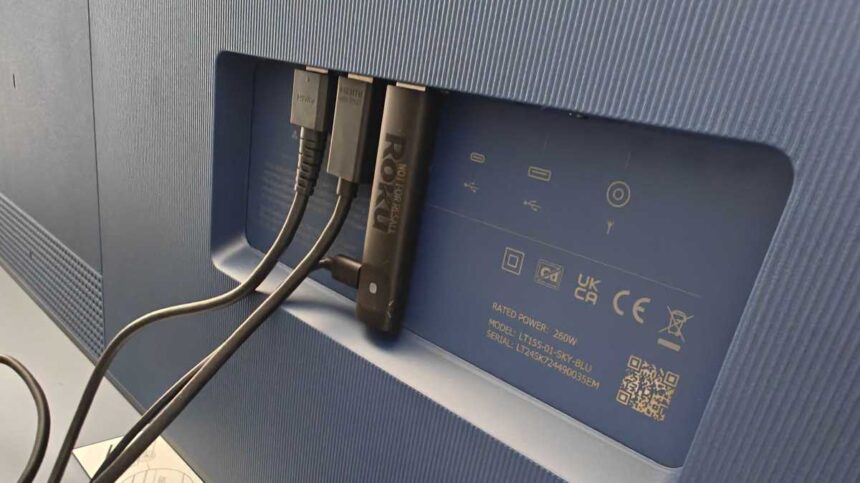
Streaming devices are the best way to improve performance on older TVs. They’re especially useful if smart features on your TV have slowed down. Even some smart TV users prefer switching to a dedicated streamer.
Among all options, Roku remains one of the most popular choices. Its lineup includes the Roku Streaming Stick HD, Plus, and 4K. But the difference between the models isn’t only price. Bigger distinctions show up in performance, hardware, Wi-Fi stability, and daily usability.
All three run the same Roku OS, so they offer a similar core interface, and most users don’t look beyond price or basic features.
It’s important to understand that the right choice depends on your TV’s resolution, your Wi-Fi setup, and the type of content you plan to stream.
1. Your TV should determine your Roku model
It’s not a guarantee that buying a pricey streaming device will improve your TV. Roku devices are streaming platforms, so the TV matters as much as the device.
A Roku Plus or 4K won’t stream in 4K if your TV’s picture quality is capped at 1080p. So you’d be paying for a capability your TV can’t use. That’s the catch. The same applies to the Roku 4K, as it supports Dolby Vision – but if your TV lacks it, then don’t expect Dolby-powered picture quality.
Buying the model that’s compatible with your TV makes the most sense.
The device doesn’t decide the picture quality. Your TV does
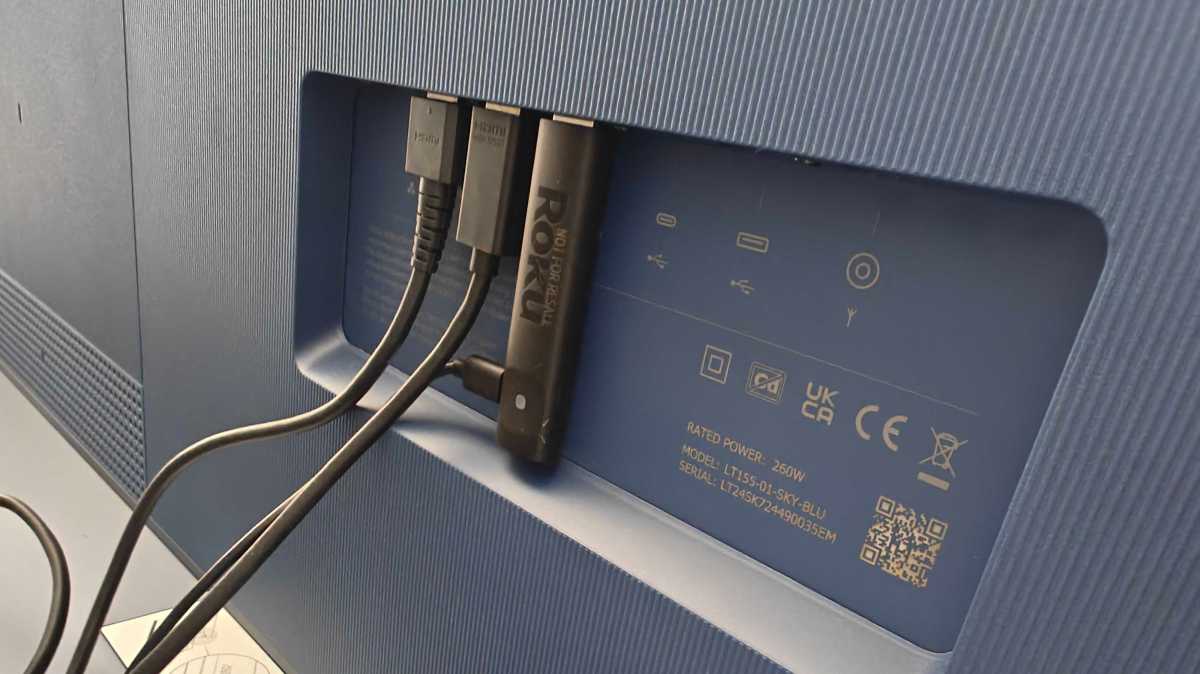
The HDMI port also needs to be checked. Your premium TV may have multiple ports. For proper 4K streaming, Roku needs to be plugged into the HDMI port that supports HDCP 2.2 (a content protection standard) on the TV. You can find it labelled beside the port, or listed in the TV manual.
Hannah Cowton-Barnes / Foundry
The Roku Stick also needs a power source. You can directly connect it to your TV’s USB port if your TV can deliver 5V–1A. Most modern TVs do. If you have an older TV, connecting to an external socket works. Roku packs in everything that’s needed.
The device doesn’t decide the picture quality. Your TV does.
2. Short-term and long-term performance
Out of the box, the Roku Stick HD works fine. If you mostly stick to a few apps, you’ll likely never face any issues. It may feel slightly slower than the Plus or 4K but the difference isn’t always obvious at first.
Over time, though, the gap becomes more obvious. Apps like Netflix and Disney+ get heavier with updates. Roku Plus and 4K tend to deliver better performance overall. Navigation is quicker. Apps load faster, too.
More RAM space helps handle background processes
Part of this comes down to hardware. Roku Stick HD comes with 512MB of RAM, and it’s capable of handling everyday tasks. Roku Plus and 4K with 1GB RAM allow for more fluid app switching.
With limited storage space available on all these devices, installing multiple apps can slow things down. More RAM space helps handle background processes.
Roku
3. Wi-Fi and internet matter more than specs
No matter which model you go for, your internet connection decides the streaming quality more than the device itself.
All three Roku models are Wi-Fi only. Even if your TV is plugged directly into the router, the Roku itself still relies on a wireless connection. There’s no wired option on any of them.
HD streaming gets by on 5-10Mbps. 4K content needs 25Mbps or more, and not just occasionally. A few streams with HEVC/VP9 codec format can peak up to 40Mbps. If your connection dips below that on a regular basis, buying the Roku Stick 4K model won’t give you what you paid for.
Signal strength matters as well. If multiple devices are connected to the Wi-Fi, you may expect some buffering. That said, all three come with dual-band Wi-Fi, enough to handle congested networks more reliably.
Don’t forget that, even with a stable connection, not all content is free. While Roku offers free content and channels, popular streaming platforms such as Netflix and Amazon Prime require separate subscriptions.
Roku
4. What Roku doesn’t do
If you’re thinking of Roku as an Android TV alternative, it does its core job well. But you won’t get the same level of app freedom. It’s more closed than Android TV. Android and Fire TV allow the installation of third-party apps.
On Roku, there’s limited third-party app support. However, there’s not an easy way to sideload apps. It’s really more of a developer tool than a real alternative for everyday users. Still, Roku comes with its own Roku Channel Store, which has enough apps.
If you’re an Android TV user, expect low customisation options and less flexibility overall.
There’s not an easy way to sideload apps
You can’t download content offline due to limited storage. So, don’t expect to use it as a storage platform. For most people, this won’t be an issue but it’s worth knowing before you buy.
5. Price and what you’re paying for
The Roku Stick is the cheapest of the three. It costs £29.99/$29.99 (available from Amazon). If you have a TV that has a max resolution of 1080p, buying an HD model covers all basic streaming needs. If you’re tight on budget but have a high-end UHD TV, the HD model can still deliver well, though the difference in picture quality would be obviously noticeable.
The Roku Plus is where most buyers should land. The jump to 1GB RAM and dual-band Wi-Fi makes a genuine difference in daily use. For a price of £39.99/$39.99 (buy it from Amazon), the price gap over the HD is small enough that the upgrade makes sense for almost anyone with a 4K HDR TV.
The Roku 4K comes with all the perks of Plus, with Dolby Vision support, and can pull Wi-Fi if your router is farther away. If you have a TV that supports Dolby Vision and you want to make the most of it, you’ll need to pay £49.99/$49.99 (available from Amazon) for the Roku 4K.
One thing that applies to all three: Roku’s free channels are a bonus, not a selling point. Netflix, Prime Video, and Disney+ still need their own subscriptions on top. The device cost is just the starting point.
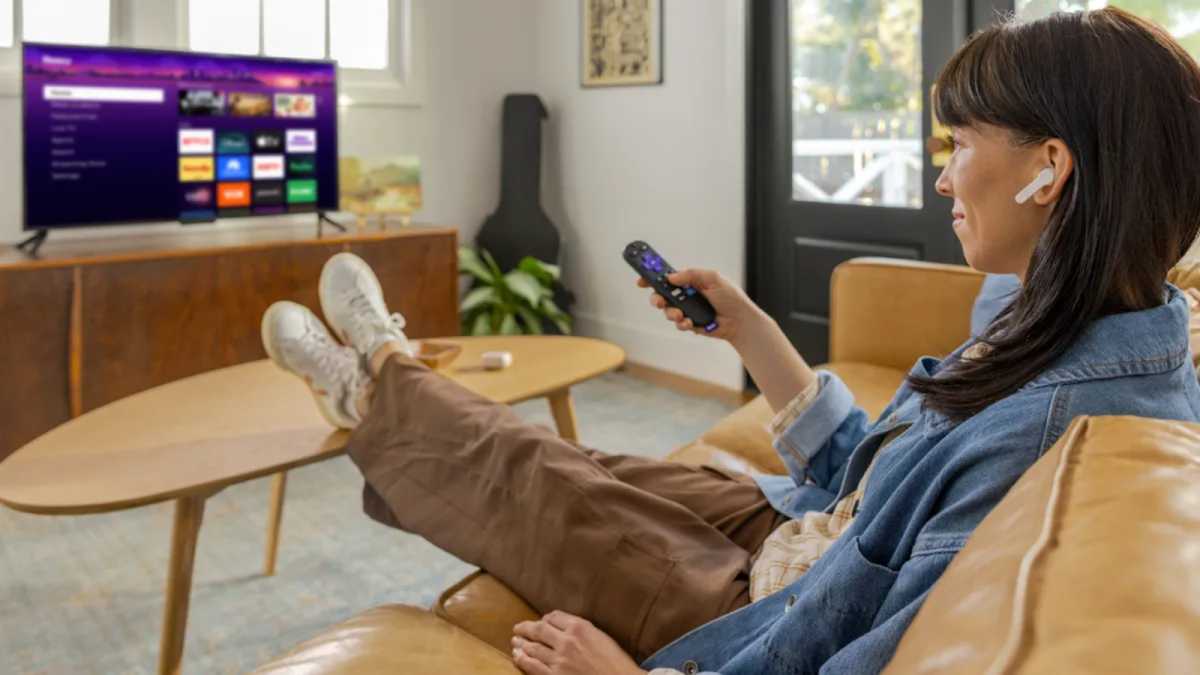
Roku
Which Roku Streaming device is best for you?
The Streaming Stick is the entry point. If your TV is 1080p and you mostly stick to a handful of apps, it gets the job done. The limitations show up later, not immediately.
The Streaming Stick Plus is where most users should land. It offers improved performance, along with 4K support, making it more suitable for everyday use.
The Streaming Stick 4K is a more specific buy. The Stick 4K adds Dolby Vision support to the Plus model. If your TV supports Dolby Vision and picture quality matters to you, the extra outlay will be worth it. The 4K model can also help with its long-range Wi-Fi support.
All three models come with a voice remote. If you’re still not sure which one is best for you, go for the Plus as it covers everything you need, and it offers the best balance of price and performance.
| Feature | Roku Streaming Stick | Roku Streaming Stick Plus | Roku Streaming Stick 4K |
| Max Resolution | 1080p Full HD | 4K HDR | 4K HDR + Dolby Vision |
| RAM | 512MB | 1GB | 1GB |
| Wi-Fi | Dual-band 802.11n | Dual-band 802.11ac | Dual-band + Long-range |
| Performance | Basic | Faster | Faster |
| Best For | 1080p TVs | Most users | Dolby Vision TVs |