Summary created by Smart Answers AI
In summary:
- Tech Advisor identifies popular smartphone apps that secretly collect excessive personal data through unnecessary permissions like location, contacts, and photos.
- Weather apps, third-party torch apps, shopping platforms like SHEIN, and navigation apps frequently sell user profiles to advertisers without clear consent.
- Users should regularly review app permissions through device settings and delete apps requesting unjustified access to protect privacy.
These days, there are apps for just about every function. But many request extensive permissions that don’t always seem justified. A torch app, for example, doesn’t need access to your microphone (and if it does, you should be wary). Often, invisible ad trackers run in the background, logging your behaviour, aggregating data and selling it to third parties.
We’ll show you which apps are particularly problematic and how to check which permissions you’ve granted on Android and iPhone.
Some data-hungry apps to delete
1. Torch apps
Your smartphone already has an inbuilt torch, so why download an additional app? If you’ve got a third-party torch app, delete it now. Many turn out to be data leakers that go far beyond what their function requires. Some demand permissions such as access to your contacts, your microphone or even your location. It’s rather odd, given that all they need to do is light up.
Note: This also applies to apps for other functions that are already available on your phone as standard. For example, you don’t need a third-party camera app if you can use the pre-installed camera app from your phone manufacturer.
2. Lifestyle and health apps
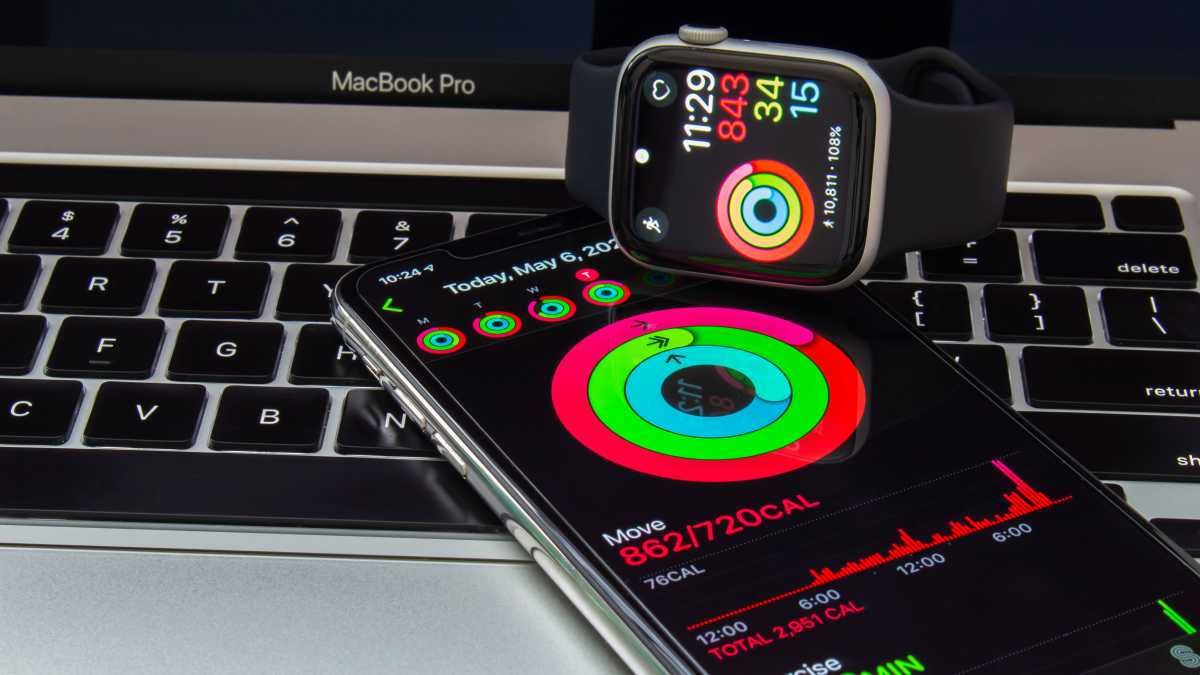
Apps for sleep analysis, step counting or calorie tracking may seem practical, but all too often they request permissions that have nothing to do with their actual function. In addition to the obvious location access – often around the clock – many of these apps also request access to your microphone, your photos or even your contacts. There’s no technical reason they need this, but there’s certainly an economic one.
According to GDPR (General Data Protection Regulation, an EU law), health-related information falls into the category of data that requires special protection. Nevertheless, many fitness app providers sell aggregated user profiles to insurance companies, pharmaceutical firms or employer platforms. This is made possible because some providers simply include permission for data sharing in their privacy policy. Anyone who then taps “Accept” when launching the app for the first time is giving their consent without realising it.
Just how far this can go was revealed in a 2020 investigation by US publication Vice: the US military purchased location data from data brokers via supposedly harmless smartphone apps, including Muslim Pro, a prayer times app with almost 100 million downloads worldwide.
3. Navigation apps
Well-known apps such as Google Maps require your location to provide accurate directions. This is legitimate and technically necessary. The problem lies elsewhere: many of these services permanently store your full location history and analyse it. Advertisers can thus purchase detailed movement profiles, such as when you leave the house, which supermarkets you visit or how often you see a particular doctor.
GPS navigation apps from unknown providers are particularly risky. In these cases, location access is often passed directly to data broker firms, which link your movement data to other data points and resell it.
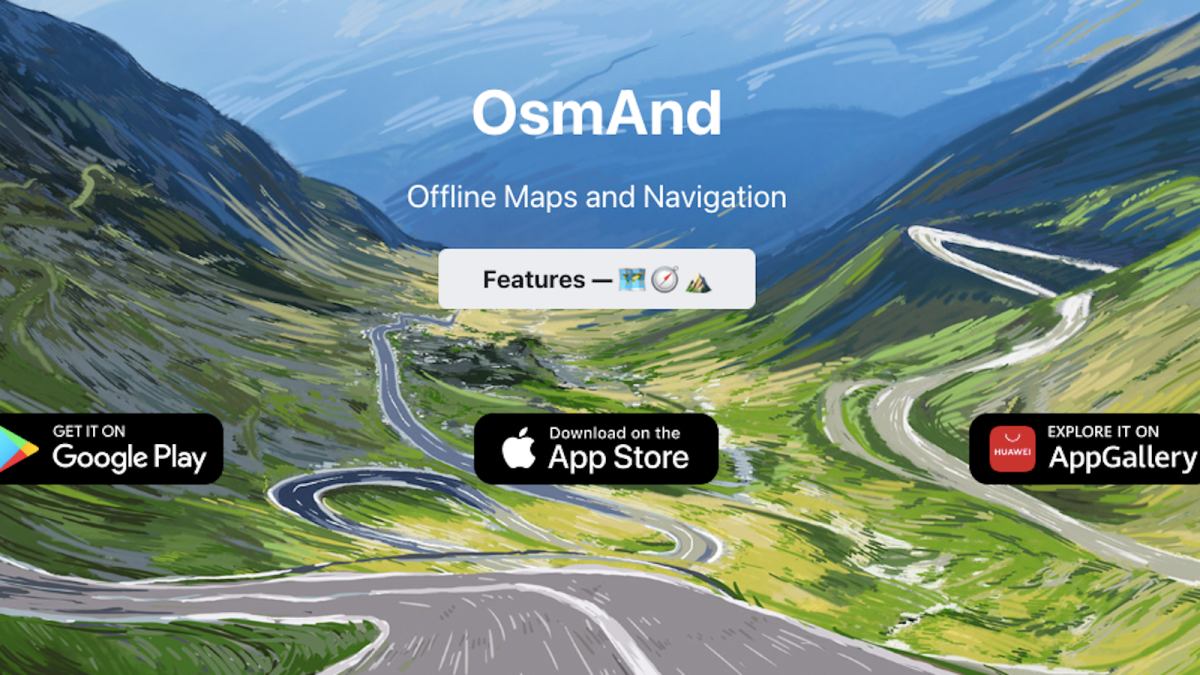
You should therefore regularly delete your Google Maps location history and completely disable the Timeline feature if you don’t use it. A privacy-friendly alternative to Google Maps and similar services is the open-source app OsmAnd, which even works offline.
OsmAnd
4. Shopping apps
Shopping giants such as SHEIN and Amazon have long been suspected of demanding far more permissions than necessary. Are you familiar with the phenomenon of seeing products online that you mentioned in passing just moments earlier? It’s certainly no coincidence.
Officially, all the major providers deny using the microphone for targeted advertising. However, the combination of location data, search queries and purchase history is enough to make surprisingly accurate predictions about your preferences. So check which shopping apps you really need, or better still: shop on your computer.
5. Weather apps
Weather apps are among the most common culprits when it comes to placing advertising trackers. Location access makes sense at first glance – after all, the app is supposed to display local weather. Yet many of these apps also request access to your contacts, photos or the device’s camera. There’s no functional justification for this. But there is a commercial reason: the more permissions an app collects, the more valuable the user profile it sells to advertising partners.
Two concrete cases demonstrate that this isn’t merely a theoretical problem. The Weather Channel (one of the world’s best-known weather apps, with tens of millions of active users) collected minute-by-minute location data from its users around the clock – even when the app was closed – and sold it to third parties without clearly informing users. Following a lawsuit and years of legal proceedings, the case ended in 2023 with a settlement.
Many of these apps also request access to your contacts, photos or the device’s camera
German users were affected even more directly by the “Wetter Online” app, which, with over 100 million downloads, is one of the most widely used weather apps in the German-speaking world: as part of the Databroker Files investigation, Wetter Online appeared in a dataset belonging to a US data broker. On a single day in Germany alone, over 34,000 users of the app were tracked, in some cases to within a metre.
The Data Protection Commissioner for North Rhine-Westphalia subsequently intervened and found that the company had passed on location data without valid consent. It was only after the authority’s intervention that Wetter Online changed its data protection practices.
The good news: you don’t need a third-party weather app. Most smartphones have a built-in weather function that is just as reliable as the data from third-party apps – without the need for any additional permissions.
How to check your apps’ permissions
Now that you know a bit more about which app categories are likely to be problematic, take a close look at the permissions on your smartphone. Both Android and iOS offer clear menus for this.
Android: Open Settings and tap ‘Apps’. Select an app and tap ‘Permissions’. Here you can see at a glance which areas the app is allowed to access and which it isn’t. You can also disable individual permissions directly.
iPhone (iOS): Go to Settings > Privacy & Security. All permission categories are listed there, such as Location, Microphone, Camera or Contacts. Tap a category to see which apps have access, and adjust the settings if necessary. Individual app permissions can also be accessed directly via Settings > Apps > [App Name].
As a general rule of thumb, only grant an app the permissions it actually needs for its core function. Location access should, where possible, be restricted to ‘while using the app’ and never run permanently in the background. You should only grant access to the microphone, camera and contacts when you are actively using the relevant function within the app. And for apps that request permissions that have absolutely nothing to do with their function: delete them without hesitation.
You may also want to find out which Android privacy settings to tweak to protect your phone. And if it’s time to upgrade your daily driver, have a look at our top recommendations in our round-up of the best phones we’ve tested.
This article originally appeared on our sister publication PC-WELT and was translated and adapted from German.