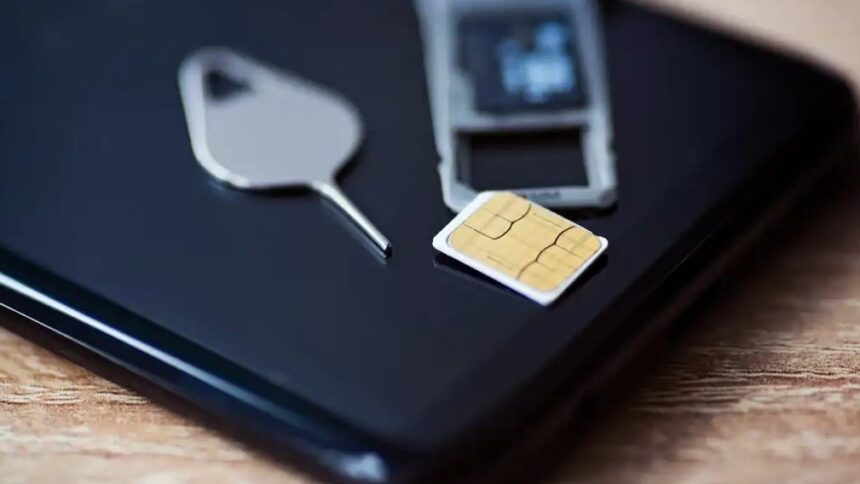
Summary created by Smart Answers AI
In summary:
- Tech Advisor warns that the iPhone 4’s popularity among young photographers comes with serious security risks due to no updates since 2014.
- The retro smartphone trend, fueled by 979% increased Google searches, appeals to users seeking unpolished images over AI-processed photos.
- Safe usage requires treating it as photography-only device with manual photo transfers and avoiding cloud storage on the outdated system.
The iPhone 4 is back, baby!
No, that’s not a typo. Apple’s 16-year-old smartphone has been in the headlines recently, with young people flocking to the handset, and more specifically, its cameras.
According to data from Compare and Recycle, Google searches for ‘Buy iPhone 4’ spiked by an incredible 979 percent in the year to 6 January 2026. Meanwhile, the popular #digicam trend on TikTok has been hijacked by people buying retro smartphones.
Why? In an era of sanitised, AI-processed images, many young people are craving a ‘back to basics’ approach. This includes ditching the best camera phones for older models with a less polished but arguably more ‘real’ depiction of the world around them.
As accessible as the trend might be – used and refurbished iPhone 4 models are widely available for under £50/$50 – you should be wary of using one in 2026.
The iPhone 4 hasn’t received any software updates or security patches from Apple since 2014, making it extremely vulnerable to data leaks, viruses and malware that could put your data at risk. The same advice applies to any smartphone that’s no longer receiving updates from the manufacturer.
However, provided you’re not using it as your main phone, it’s possible to use an iPhone 4 for photography in 2026. Here’s how to make sure you get your dose of nostalgia without any unintended consequences.
1. Don’t insert your SIM card
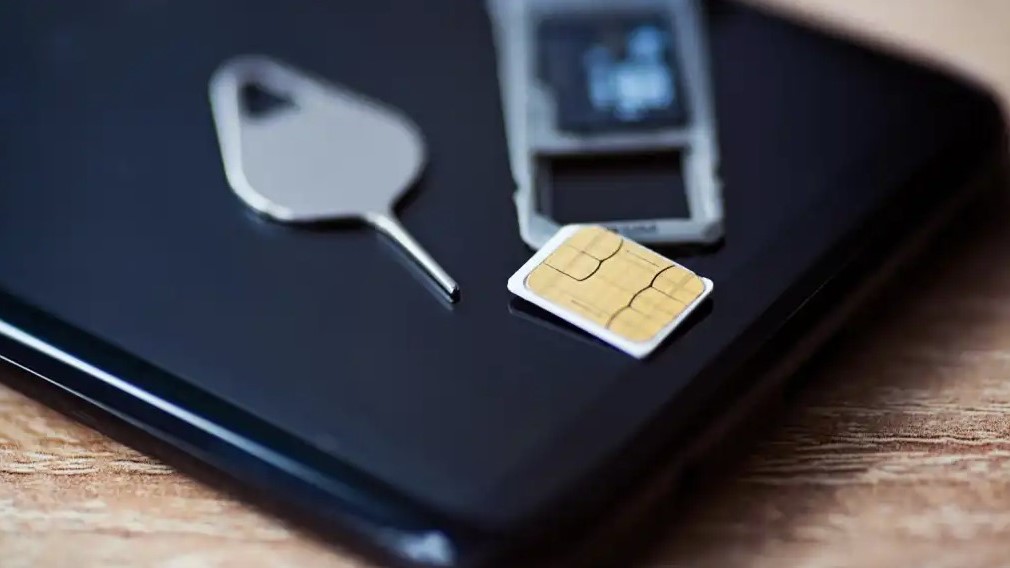
When switching phones, this is probably one of the first things you do. But popping your SIM card in the iPhone 4 could be a recipe for disaster.
iStock
When you put a SIM card in, you’re giving the phone crucial private data, such as your phone number, rough location and specific device. And, as the iPhone 4 supports 4G, you could use it to connect to mobile data, which opens up another can of worms.
2. Don’t connect to the internet
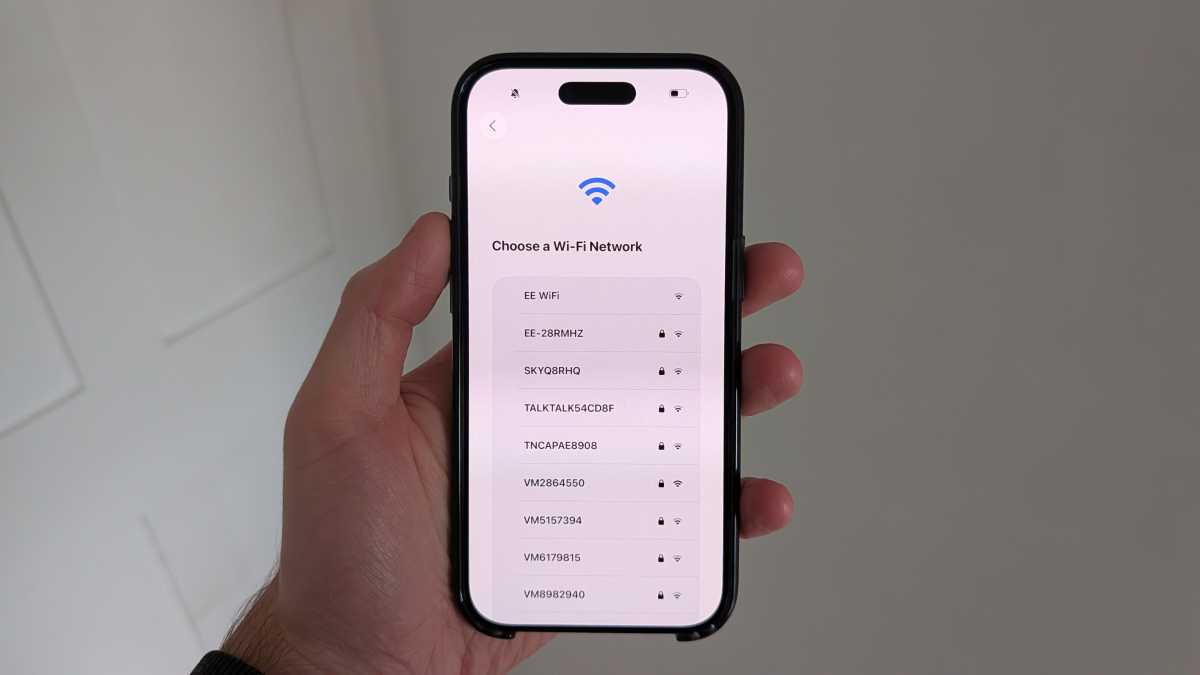
No, seriously. As tempting as it might be to get on your home Wi-Fi and see if you can load a website, it’s not a good idea. Even if you can get apps to open, you’ll be using very old versions that lack up-to-date security infrastructure.
If hackers want to extract your personal data, there are far fewer hoops for them to jump through.
Anyron Copeman / Foundry
3. Don’t sign into any accounts
Of course, some apps are even more risky than your web browser. The likes of email, banking and social media apps require you to log in and access sensitive personal information, which is the last thing you want to be doing.
If possible, you should also avoid using your main Apple ID. This will mean the device can’t easily be linked back to you.
4. Don’t turn off airplane mode (ever)
An easy way to avoid most of the dangers is by turning on airplane mode and leaving it on at all times. That way, you won’t have to worry about something being shared unintentionally.
For an extra layer of security, limit yourself to the Camera and Photos apps. Those are the only two you’ll ever need.
Foundry
5. Don’t transfer photos wirelessly
In 2026, connecting a phone to a laptop using a cable feels like an unnecessary hassle. But that’s the price you pay for the retro experience.
As explained, relying on iCloud or any other cloud storage provider is simply too risky on an outdated phone. By transferring photos manually, you can easily decide which images are actually worth seeing on a larger screen, freeing up crucial storage space on a device that has just 512MB of it.
When you just want to start taking photos and sharing them with friends, thinking about security can be annoying. But by following these simple steps, you can safely use an iPhone 4 throughout 2026 and beyond without risking your personal data or falling victim to malware.
Prefer an actual camera? Compare & Recycle has lots of retro digital cameras available to buy.
And if you’d rather something that’s up-to-date, check out our guide to the best phones you can buy right now.