Summary created by Smart Answers AI
In summary:
- Tech Advisor conducted real-world battery tests comparing the Samsung Galaxy S26+ and Google Pixel 10 Pro XL under identical usage conditions.
- The Galaxy S26+ significantly outperformed the Pixel 10 Pro XL, lasting 26 hours versus approximately 11-12 hours during intensive testing.
- For users prioritizing all-day battery life, the S26+ proves superior for extended use with GPS, social media, and multimedia activities.
If there’s one phone specification that matters most, it’s battery life. Even if a new model includes an AI bot to help you work, takes the most amazing photos ever, and runs fast enough for high-octane games, it’s pretty useless if it’s always on a charger.
I tend to skip topping up during my normal work day and into the evening, only dropping a phone onto a wireless pad to charge at night. My expectation? That any newer phone should last all day. In fact, many modern phones are capable of chugging along for a good 20 hours or more, but that really depends on what you do with the device.
Google, for example, estimates that the new Pixel 10 Pro XL should last for 24 hours. Samsung notes that the Galaxy S26+ should last for 31 hours of continuous video streaming. Both brands include a caveat that essentially says: it depends on how you use the phone. Also, you might need to enable battery saver mode and turn the brightness down.
I wasn’t interested in stretching the battery life as long as humanly possible, though. I wanted to see what would happen if I used the Pixel 10 Pro XL and Galaxy S26+ for normal activities such as listening to music, snapping photos and posting them to social media, and finding a route using the GPS. I set both phones to full brightness and a 30-second screen timeout. Here’s what I found out after two full days of testing.
A day with the Google Pixel 10 Pro XL
10:30am: Catching up on my work
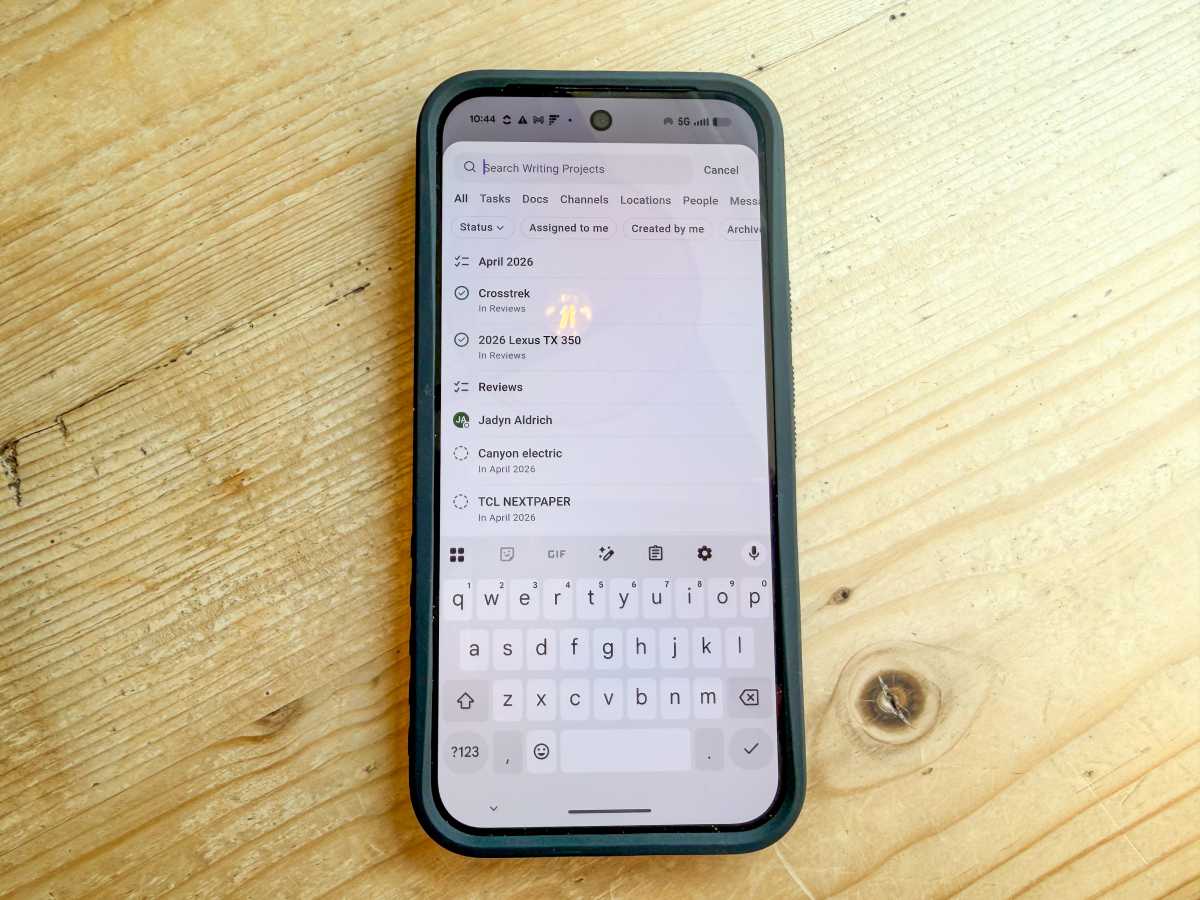
Using the ClickUp task management app barely uses any battery
John Brandon / Foundry
I started my day doing the most boring activity ever invented: checking my email. It was about 10:30am and I replied to a few messages using Gmail then switched over to ClickUp, a task management app.
While these activities used my Google Fi cell connection, I switched off the Bluetooth and Wi-Fi connections. After about an hour, I felt good about my progress. I was humming along at 90% battery life before I started some heavy usage.
11:30am: Heading out on a bike trip
John Brandon / Foundry
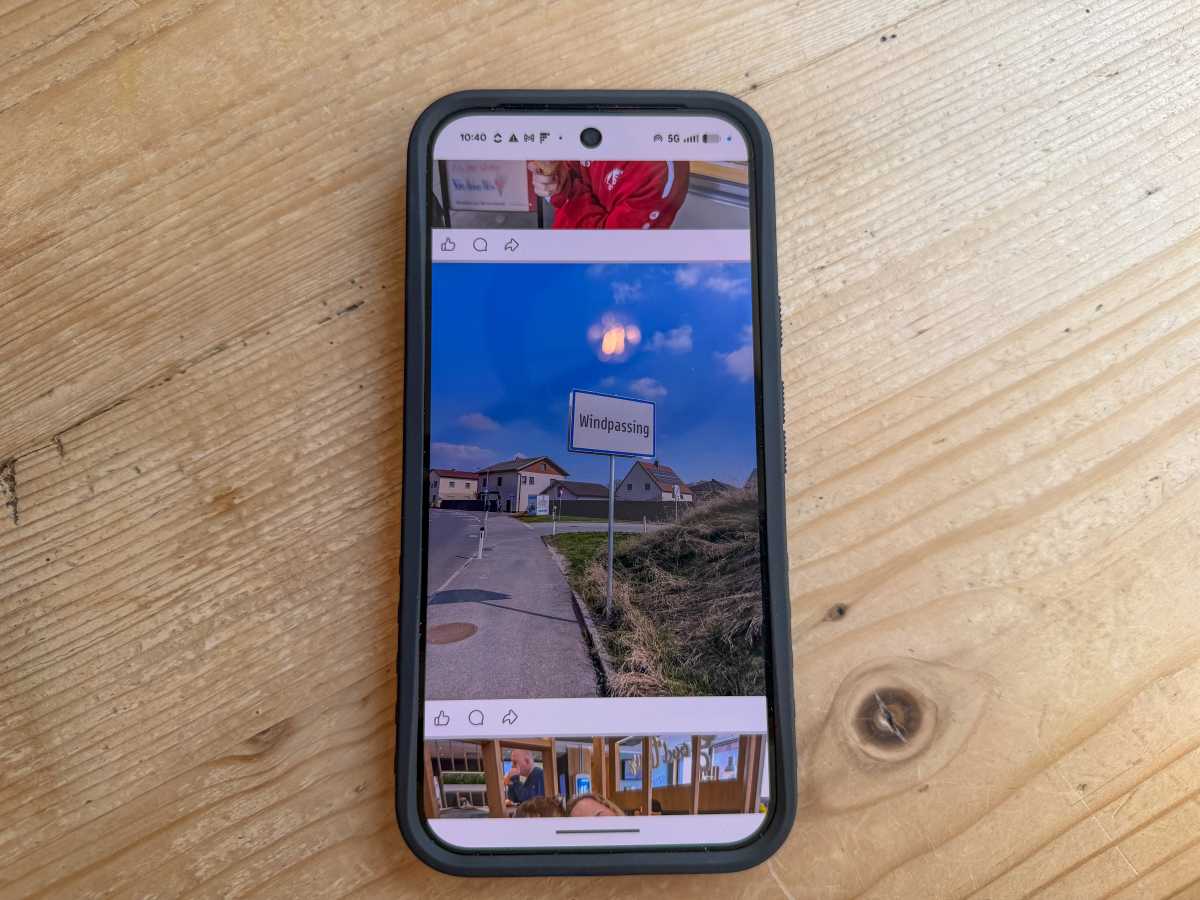
I was on vacation in Austria and I decided to bike along the Danube river from Enns to Grein, which is roughly 22 miles. This was the perfect way to test a phone because I knew I’d pedal along for a while listening to the Tidal app for a few hours, snap photos and post them to Facebook, and use Google Maps constantly to make sure I was following the correct route.
This type of battery-draining activity is fairly common for me. I tend to use my phone as an accessory to life, not for doomscrolling. Stashed away in my pocket, I was still able to use the Tidal app with my AirPods Pro and the GPS for routing while enjoying the scenery. However, by the time I arrived at Grein three hours later, the battery had dropped to 50%.
2:30pm: Dining out and taking the train
John Brandon / Foundry
I decided to switch off the GPS for the rest of the day since I didn’t need to use Google Maps anymore. (To do this, you go to Settings, then select Location and turn it off.) I stopped listening to Radiohead and Rosalía too.
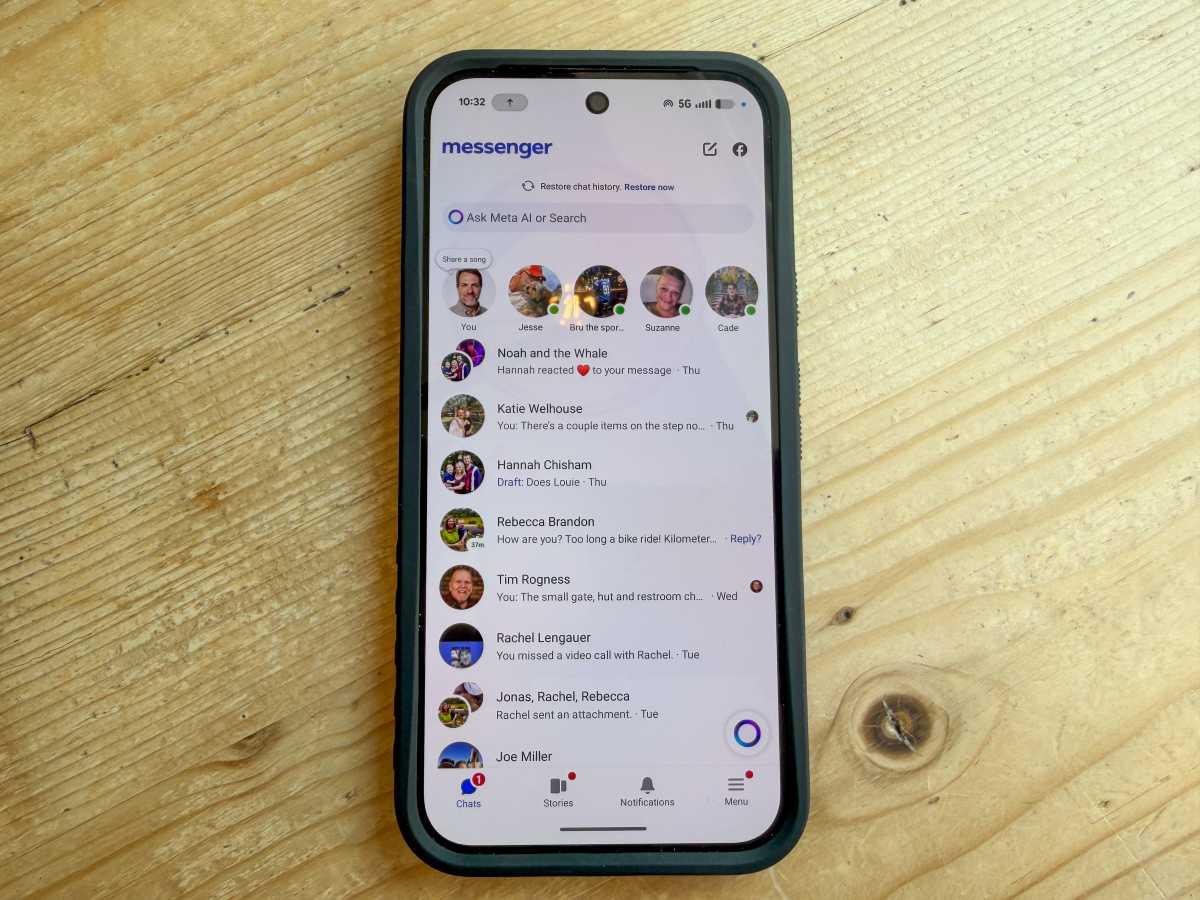
I grabbed some lunch and an ice cream cone in Grein, then jumped on the train headed back to Enns. Over those two hours, I checked Facebook and posted some photos. I also chatted with a few friends over Facebook Messenger, using the Wi-Fi signal from the train.
Using any signal on your phone will drain the battery faster, and Facebook is notorious for consuming battery power. By the time I reached my destination, I was only at 20% of remaining battery life.
9:15pm: Finishing the day
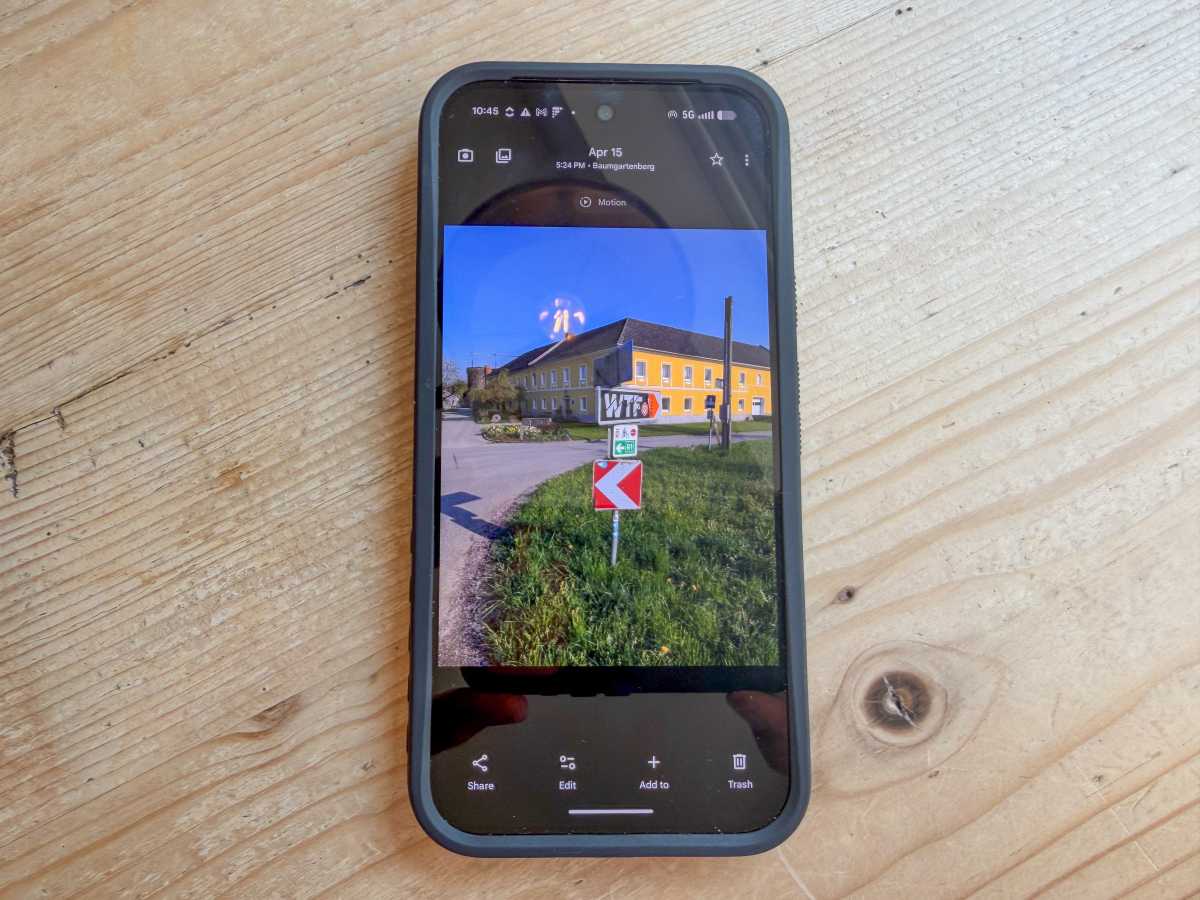
Using the Pixel 10 Pro XL for photos
John Brandon / Foundry
After checking my email a few more times at the end of the day, then posting a few more photos, I noticed the Pixel 10 Pro XL was only at about 4% charge left – well short of the 24-hour estimate I mentioned above but, thankfully, still running after almost 11 hours.
I had pushed hard, though. I used the GPS, played music, took photos, and browsed Facebook. I was ready to see how the Samsung S26+ performed the next day doing roughly the same thing.
A day with the Samsung Galaxy S26+
10:30am: Checking email
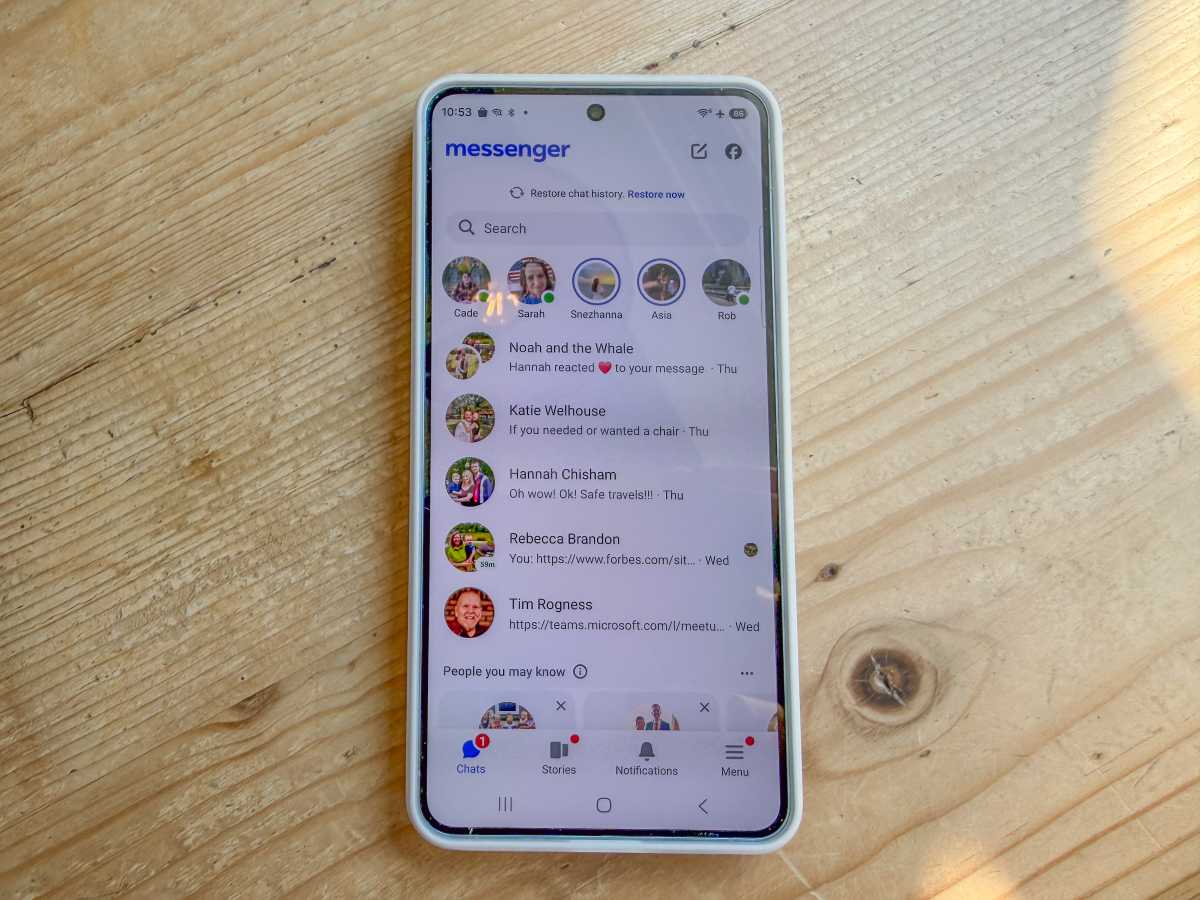
Messaging on the Samsung Galaxy S26+
John Brandon / Foundry
With the Galaxy S26+ fully charged, I switched it on at 10:30am the next day and spent an hour checking Gmail and the ClickUp app again, similarly to how I used the Pixel 10 Pro XL. These apps don’t drain the battery much and are not processor-intensive.
I didn’t need to listen to music so I switched off Bluetooth, as I’d done with the Pixel 10 Pro XL. Amazingly, the phone still said 96% when I was ready to start my adventures.
11:30am: Driving to the zoo
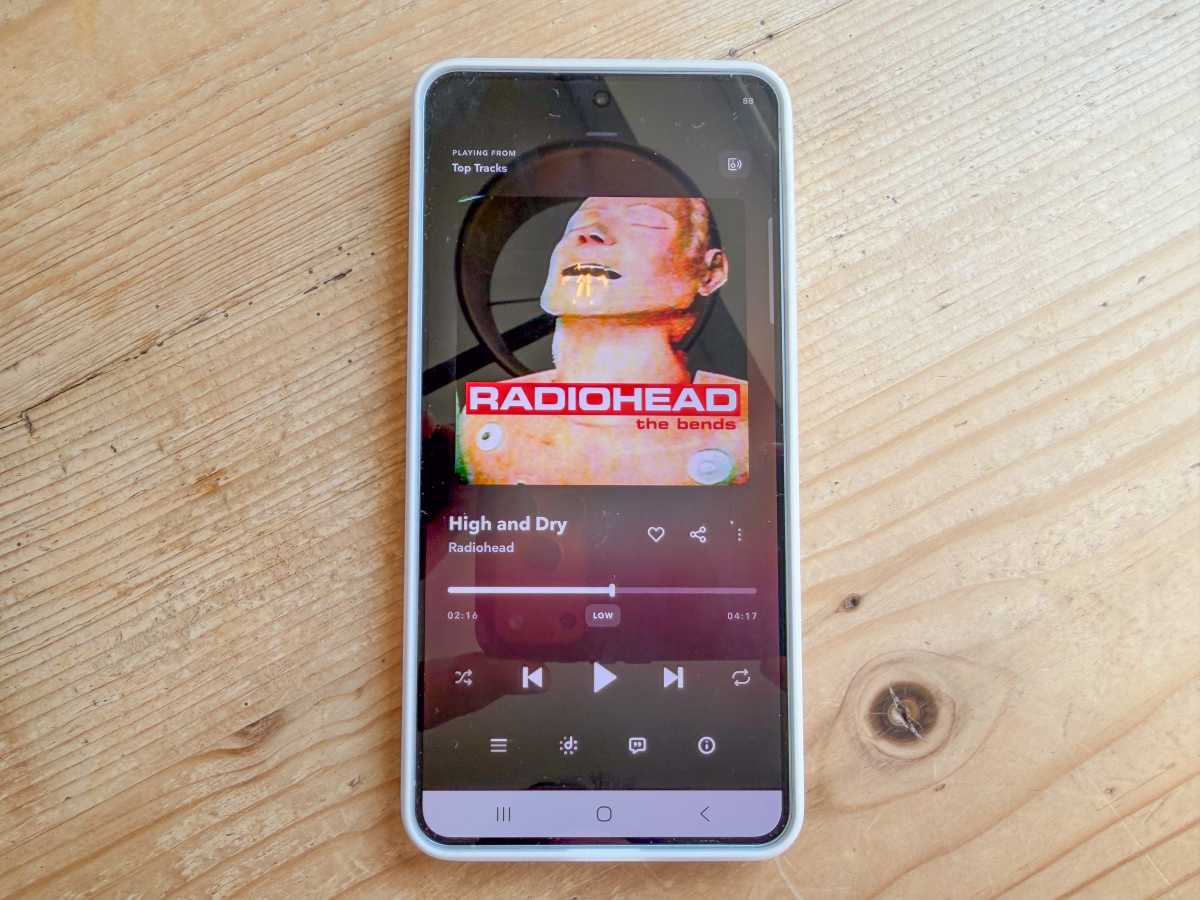
Using the Tidal app on the Samsung Galaxy S26+
John Brandon / Foundry
Instead of biking, I decided to drive to a nearby zoo. This activity drained the battery quite a bit since it uses the Location service on the S26+. I had to run some errands so I added several waypoints along the way, and played the Tidal app through the car stereo connection.
To make sure I was comparing apples to apples, I also stopped a few times during my drive to snap photos, post them on social media, and check my feeds. All told, it turned into a three-hour trip, including lunch and some sightseeing.
By the time I arrived at the zoo, I was at 60% battery. That meant both phones were almost at half-charge after this heavy use.
2:30pm: Walking around all afternoon
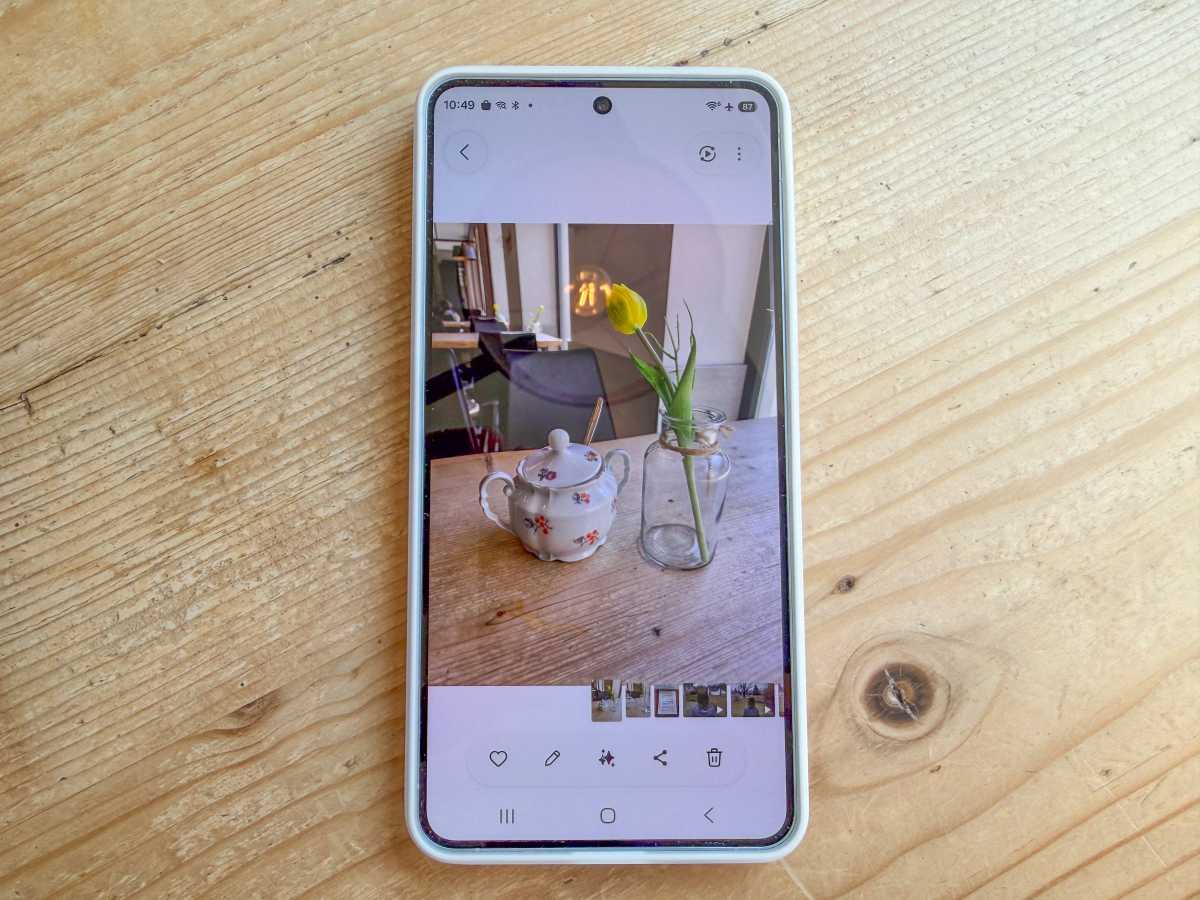
Snapping photos with the S26+
John Brandon / Foundry
I finally arrived at the zoo at 2:30pm that afternoon at roughly the same time of day when the Pixel 10 Pro XL had dropped to 50% battery life. Just like when I was in Grein the day before using the Pixel, I took dozens of photos and posted them on Facebook.
I also checked in with friends and colleagues using the Messenger app. I used the cellular and other wireless connections about the same amount as the Pixel 10 Pro XL as well.
However, this wasn’t meant to be a benchmark test – I simply wanted to use the S26+ as I normally would all day and see if it kept running until the late evening.
Surprisingly, the S26+ seriously outperformed the Pixel 10 Pro XL. By the afternoon, the phone was at 40%. It wasn’t in battery saver mode and the screen was still at full brightness.
After dinner, the phone had dropped to 30% and was still chugging along at 25% by 10pm that night. In the morning, the S26+ lasted for another five hours! Fittingly, the S26+ lasted a full 26 hours.
Which is the battery life champion?
I decided to retest the Pixel 10 Pro XL as a sanity check. Using the phone all day to take photos, listen to music, and for GPS routing, I duplicated the results. The Pixel 10 Pro XL lasted about 11 hours again. I also retested the S26+ for another full day and it lasted until lunch again the next day (admittedly, it simply sat on a table all night).
In the end, the Samsung Galaxy S26+ was the battery life champion. The phone lasted over 24 hours while the Google Pixel 10 Pro XL lasted only about 11-12 hours. It means I’d be much more likely to use the S26+ if the goal is to make a phone last all day – and then some.
Find our top battery life recommendation in our round-up of the best phones we’ve tested.