At a glance
Expert’s Rating
Pros
- Familiar, premium build quality and slim design
- Excellent performance and battery life
- Extra RAM allows for more demanding tasks
- Connectivity upgrades ensure future-proofing
Cons
- Still no Face ID
- 60Hz LCD panel remains unchanged
- Slow charging with no brick included
- Accessories sold separately (and they’re pricey)
Our Verdict
The Apple iPad Air (2026) or the iPad Air (M4) is an excellent tablet for the right person – likely someone upgrading from an older iPad Air, such as the M1, or someone buying an iPad for the first time. The design and display haven’t changed from the iPad Air (M3), and some long-standing omissions remain, but that doesn’t stop this from being the most compelling iPad Air yet. If you want a tablet that will handle everything you throw at it today, while still feeling relevant a few years from now, this is it.
Price When Reviewed
This value will show the geolocated pricing text for product undefined
Best Pricing Today
Price When Reviewed
$599
Best Prices Today: Apple iPad Air 11-inch (M4, 2026)
The iPad Air has occupied a peculiar space in Apple’s tablet lineup since its debut over a decade ago. It’s never been quite the powerhouse of the iPad Pro, but it’s always been a step above the entry-level iPad in areas that matter. That hasn’t changed with the M4 generation.
The iPad Air (M4) slots neatly between the regular iPad (A16) and the iPad Pro (M5) in Apple’s current tablet portfolio. It’s available in 11-inch and 13-inch versions, and while the exterior is identical to the M3 model that launched in early 2025, and consequently almost the same as the 2020 M1 model too, the internals tell a different story.
There’s a faster processor, more memory, and a fresh set of wireless chips, making this the most capable iPad Air yet. But does it do enough to retain the iPad Air’s position as the best iPad for most people?
Design & Build
- Same design and colour options
- No IP rating
- Slim aluminium body
Stand the iPad Air (M4) next to the iPad Air (M3) and a game of spot the difference would be entirely pointless. It looks and feels exactly like its predecessor but, while there isn’t anything new to say on the design, it’s still a polished and premium one with very little wrong with it.
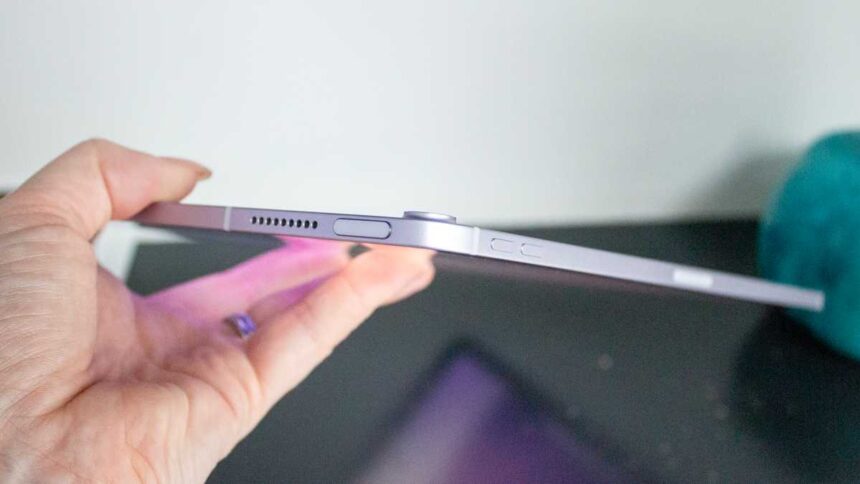
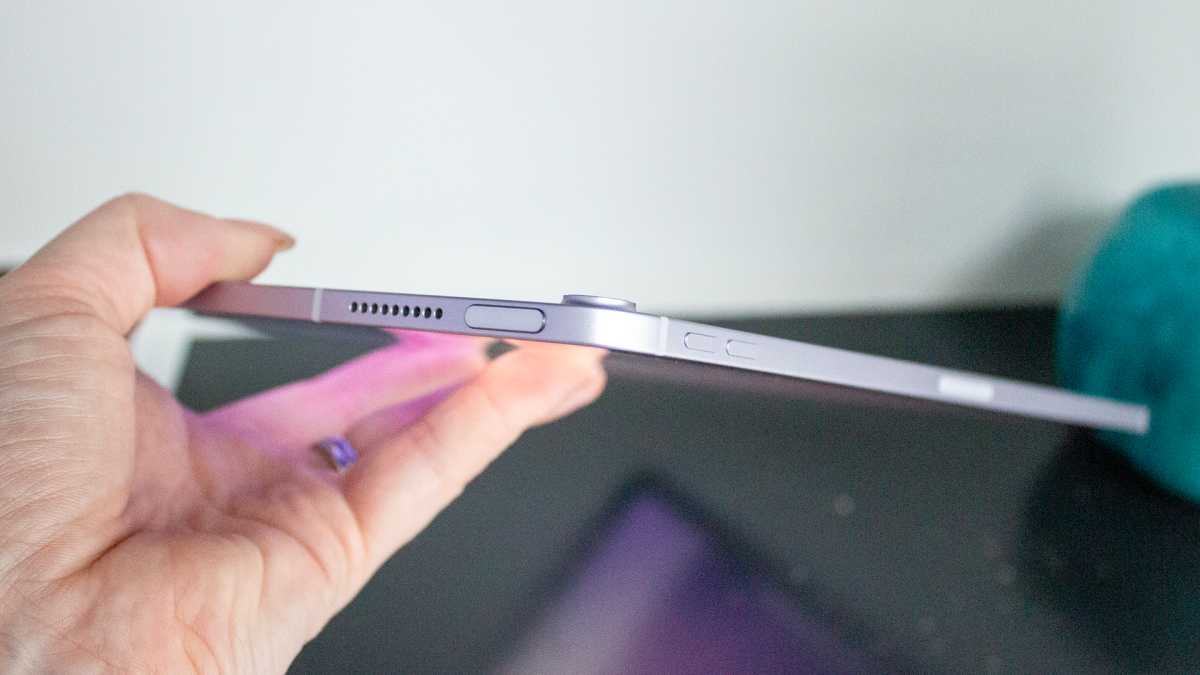
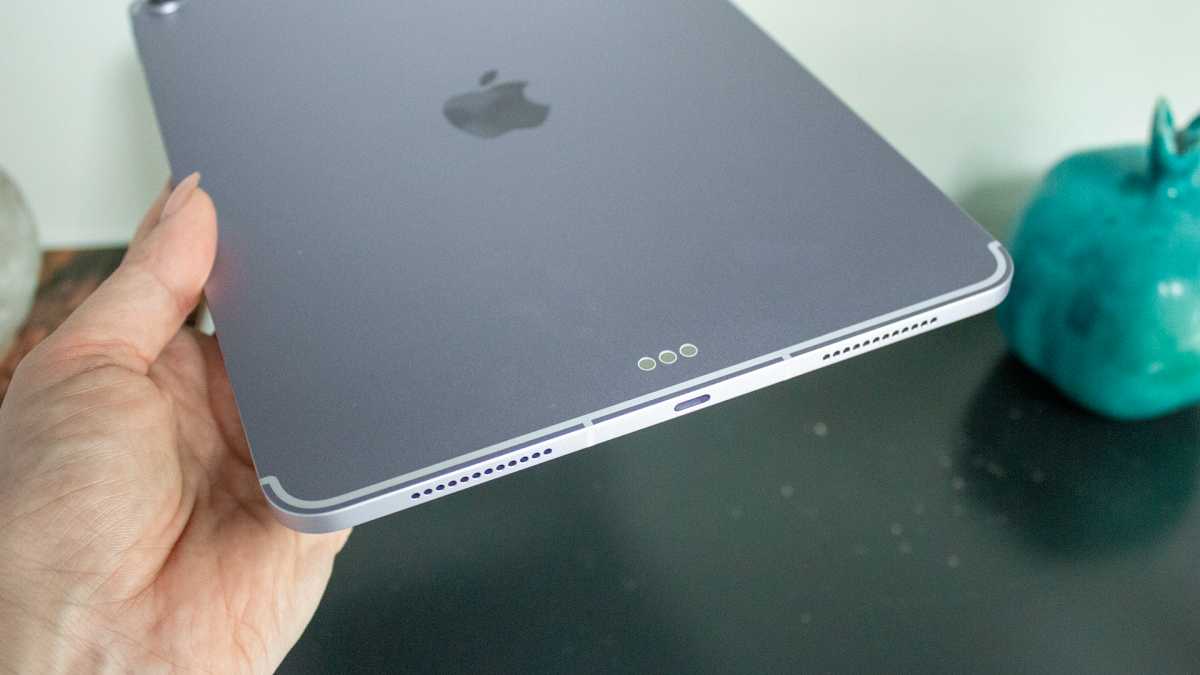
The dimensions are identical to the iPad Air (M3) with the 11-inch model measuring 247.6 x 178.5 x 6.1mm and weighing 460g, while the 13-inch version comes in at 280.6 x 214.9 x 6.1mm at 616g. All buttons and ports are identical, too, and its slim, flat-edged aluminium frame remains a pleasure to hold.
Britta O’Boyle
The same four colour options are also unchanged from the iPad Air (M3) with Space Grey, Starlight, Blue, and Purple available. If you were hoping for a new shade to accompany the new processor this year, then sorry I don’t have better news for you. The existing palette is lovely though, with my personal favourites blue and purple.
I can’t help being disappointed at the absence of Face ID
The unibody construction feels solid, with no flexing or creaking no matter how you hold this tablet, while Touch ID continues to sit within the power button for unlocking and authenticating passwords and payments. Touch ID works quickly and reliably, but I can’t help being disappointed at the absence of Face ID for yet another year on this model.
It’s one of the features that clearly marks the divide between the Air and the iPad Pro (M5), and given that Face ID is available on Apple’s entry-level iPhone, it feels about time the iPad Air got it.
Britta O’Boyle
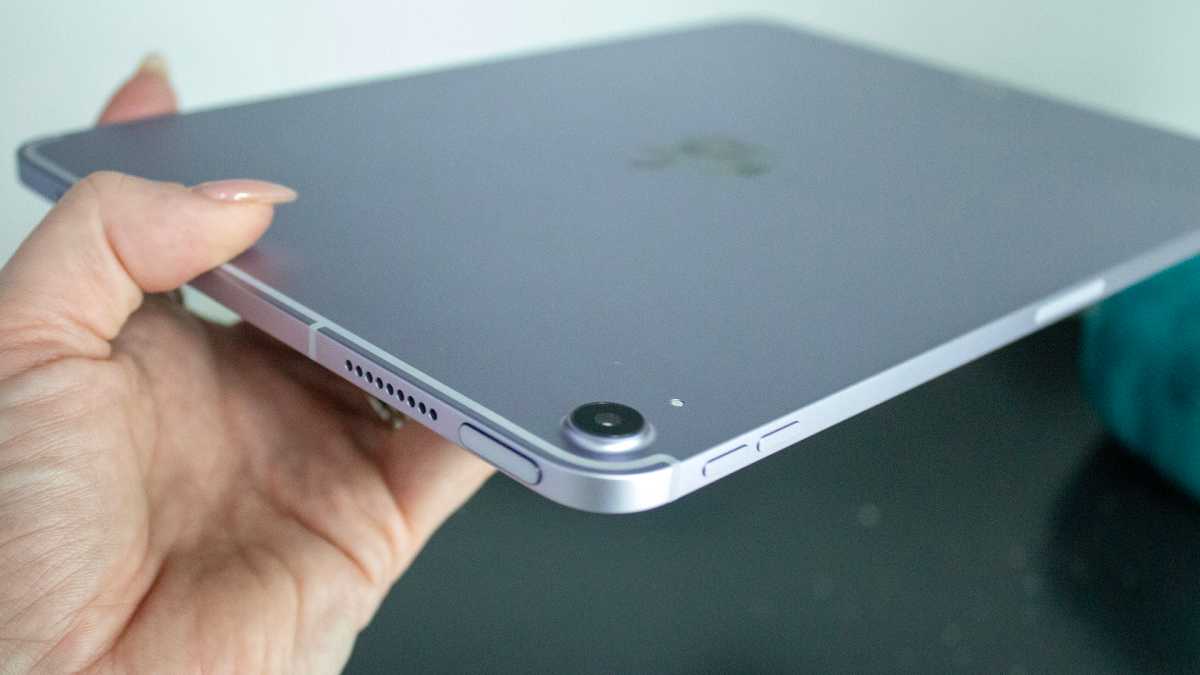
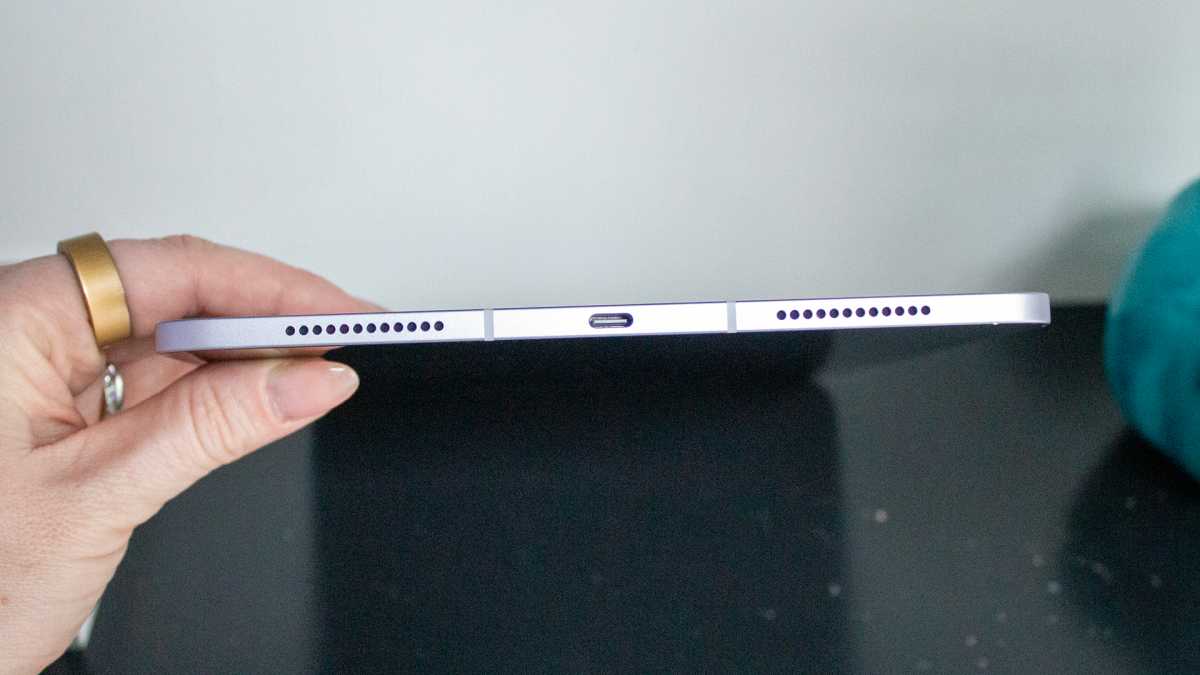
At the bottom of the iPad Air (M4), USB-C handles charging and data transfer, while the landscape-positioned front camera introduced on the iPad Air (M2) remains on the edge, making video calls more natural.
The last thing to mention about the design is that there’s still no IP rating for any iPad model, including the iPad Air (M4). That’s not really an issue for day-to-day use on the sofa or at a desk, but if you like to use a tablet near a pool or in the bath, Samsung’s Galaxy Tab range would be a safer bet.
Screen & Speakers
- 11-inch or 13-inch
- IPS LCD
- Pencil Pro support
- Stereo speakers
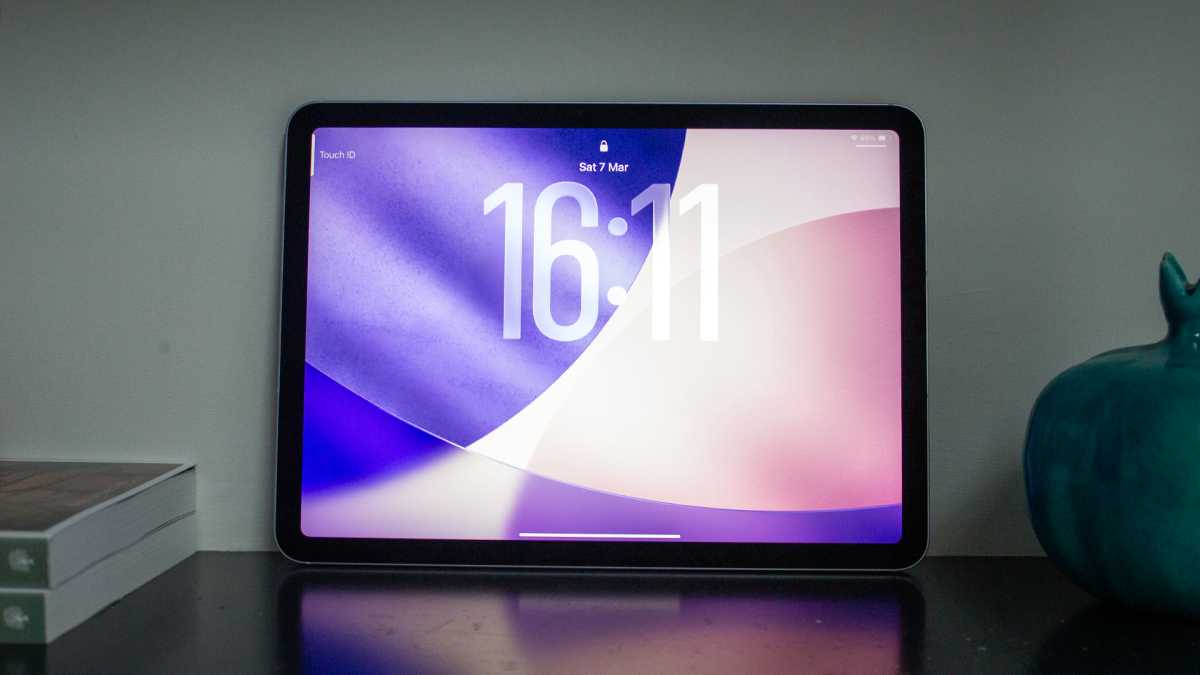
Just as there was little new to say about the iPad Air (M4)’s design, there’s little to say about its display. Both the 11-inch and 13-inch iPad Air (M4) models use the same Liquid Retina IPS LCD panels found in their predecessors. Full lamination and an anti-reflective coating are standard on both.
Lamination makes using an Apple Pencil with the iPad Air (M4) feel more natural than on the iPad (A16), while the anti-reflective coating is useful when working outside or near a large window. The coating doesn’t compare to the Nano-texture coating option available on the iPad Pro (M5), and I’m disappointed not to see this as an option again here, but what you get is sufficient.
Britta O’Boyle
Meanwhile, the P3 wide colour support ensures accurate, vivid reproduction for creative work, and watching content on the iPad Air (M4) is a pleasure. Colours are rich and consistent, and detail is crisp, though the LCD panel doesn’t deliver quite the same inky blacks and depth you get with the iPad Pro (M5)’s tandem OLED display.
The absence of Apple’s 120Hz ProMotion tech is a compromise to be aware of here
The 60Hz refresh rate is a notable limitation, too, especially given the iPad Air (M4) ‘s price. Anyone who has used a phone with a 120Hz refresh rate will likely notice the difference when scrolling – it’s not jarring, but it’s not as smooth when gaming or reading menus or documents.
For video, productivity, and casual browsing, 60Hz is perfectly functional, but the absence of Apple’s 120Hz ProMotion tech is a compromise to be aware of here.
Britta O’Boyle
You do get support for Apple’s Pencil Pro however, and it remains one of the best stylus experiences available on any tablet. The hover preview, squeeze gesture, and barrel roll functionality are all great and, while it’s a shame the Apple Pencil isn’t included with the iPad Air (M4) as Samsung’s S Pen is with Galaxy Tabs, if you buy it separately, you’ll have a very capable creative setup.
Meanwhile, the stereo speaker setup delivers adequate results for everyday listening. Keep the volume below the upper third and the sound is balanced and clear; push it harder and things can sound strained. I’d always recommend using headphones for anything you actually care about hearing properly, but the built-in speakers are fine for a quick video or a FaceTime call.
Specs & Performance
- Apple M4
- 12GB unified memory
- Wi-Fi 7
- Bluetooth 6
This is where the M4 iPad Air makes a more convincing case. The new processor features an 8-core CPU and 9-core GPU built on a 3nm process – though it’s worth noting that the CPU configuration shifts to three performance cores and five efficiency cores, which is a slight variation from the iPad Pro’s M4 implementation.
In practice, Apple claims this translates to performance more than double that of the M1 generation. If you’re upgrading from that 2020 model, you should notice a real difference.
The bigger headline, arguably, is the extra RAM, though. This jumps from 8GB in the M3 to 12GB, and that’s accompanied by a bump in memory bandwidth to 120GB/s. For everyday tasks, such as browsing, email and streaming, the difference won’t be noticeable to anyone using the M3 iPad Air because this model already handled those without breaking a sweat.
There was zero lag when running several apps at once
Where the extra memory makes itself felt is in more demanding scenarios, including editing large photo projects, running AI-powered features and working with multiple Safari tabs open.
Britta O’Boyle
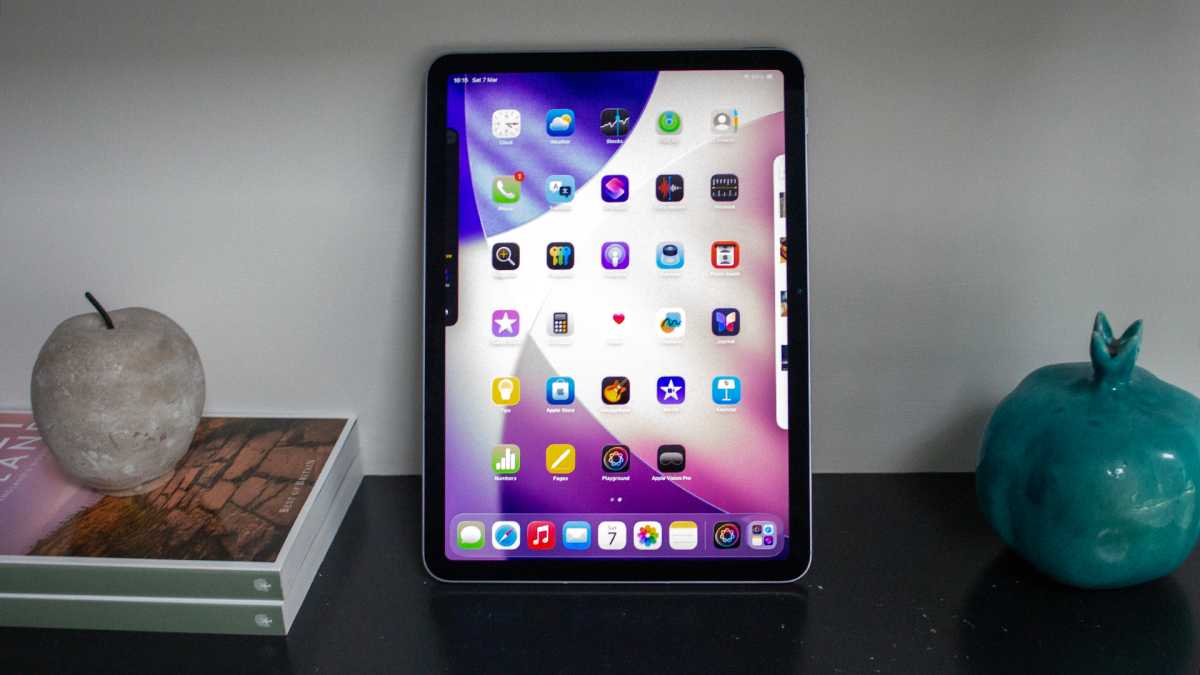
Multitasking is effortless on the iPad Air (M4), too, though admittedly it was on the iPad Air (M3). There was zero lag when running several apps at once, and jumping between more intensive applications from video editing to photo editing was seamless throughout my review period.
Connectivity on the iPad Air (M4) has also been treated to a meaningful upgrade via two new Apple-designed chips. The N1 brings Wi-Fi 7 and Bluetooth 6 to the Air for the first time. It was previously a privilege for the Pro only – delivering higher peak wireless speeds, more reliable connections in crowded environments, and better power efficiency as long as you have the compatible network and router.
Cellular models also add the C1X modem, which can be found in the Apple iPhone Air and the iPhone 17e. Apple says offers up to 50 per cent faster data speeds and consumes around 30 per cent less power than the previous-generation modem, though this is tricky to test in the real world, so I’m going to have to take Apple’s word for it.
Britta O’Boyle
Storage starts at 128GB and scales up to 256GB, 512GB, and 1TB. There’s no microSD expansion, so choosing wisely is important – especially if you plan to shoot and edit video, download large game installations, or maintain a sizeable offline media library. I think Apple could have upped the base storage to 256GB here, as it did with the iPhone 17e, but alas, that wasn’t to be this year.
Cameras
- 12Mp rear f/1.8
- 12Mp front f/2.0
- Center Stage
As with design and display, the camera specifications of the iPad Air (M4) haven’t changed from the (M3) either. Still, that’s arguably fine given how rarely most people use a tablet camera.
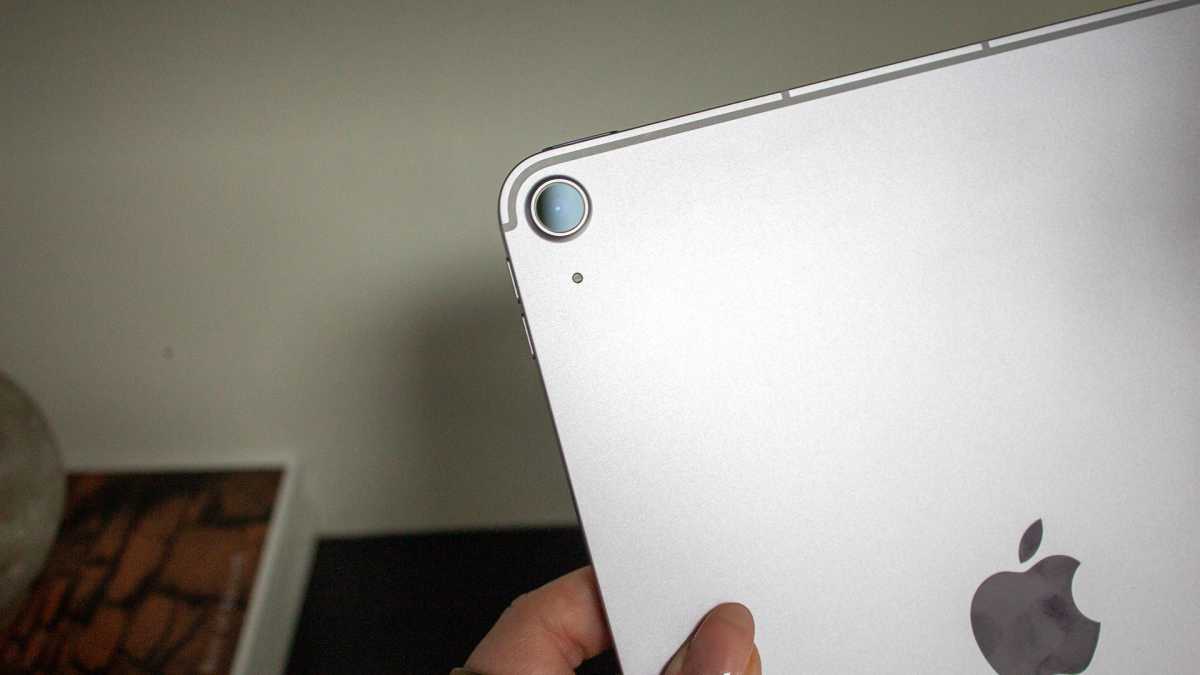
The 12Mp rear sensor with its f/1.8 aperture is competent for document scanning, snapping a whiteboard in a meeting, or adding a quick photo to a note. Trying to use it as an actual camera – particularly with a 13-inch model held aloft in a public space – is an exercise I’d highly recommend avoiding regardless of what the specs say. Please, just don’t.
Britta O’Boyle
The front-facing 12Mp camera with its f/2.0 aperture is considerably more useful thanks to its landscape orientation. That placement means more people fit into the frame naturally if you’re on a family video call, and it produces a more flattering composition than a portrait-positioned lens, too. Meanwhile, the Center Stage technology tracks you intelligently as you move around the room so you’re always in view, and the 1080p resolution ensures you look sharp at the other end.
Nothing in this department should convince you to leave your phone in your pocket when you want to take a proper photo, but the iPad Air (M4)’s cameras do their jobs well in the contexts where tablet cameras matter.
Battery Life & Charging
- All-day battery
- 20W charging
Apple’s claim of 10 hours of battery life applies to the iPad Air (M4) just as it does to every other iPad in the company’s current lineup. Every year, the iPhone typically improves battery life though it’s usually not a focus when it comes to the iPad. But, in the iPad’s defence, that figure is broadly accurate in practice.
The iPad Air (M4) comfortably pushes into the double digits, making a full working day on a single charge realistic
For light to moderate use – I’m talking email, web browsing, note-taking, streaming video – the iPad Air (M4) comfortably pushes into the double digits, making a full working day on a single charge realistic. For those with heavier workloads, such as extended video editing sessions, sustained gaming, or constant writing using the Magic Keyboard, the iPad Air (M4)’s battery will drain faster.
Britta O’Boyle
Where the iPad Air (M4) continues to frustrate is charging. While the iPad Pro (M5) gained faster charging last year, the iPad Air (M4) isn’t treated to the same luxury. Instead, the 20W ceiling feels conservative compared to what Android rivals offer and there’s no charging brick in the box, either. Achieving that 20W rate, then, requires purchasing a compatible charger separately.
Ultimately, the best advice I can give is to plan to charge the iPad Air (M4) overnight, or at least give it a solid couple of hours before a long day away from a plug. While it does have a solid battery performance, if you rely on a quick top-up and expect to be out the door at full capacity, you’ll likely hit the red just as you’re trying to send that last, vital email.
Software & Apps
- iPadOS 26
- Apple Intelligence
- New windowing system
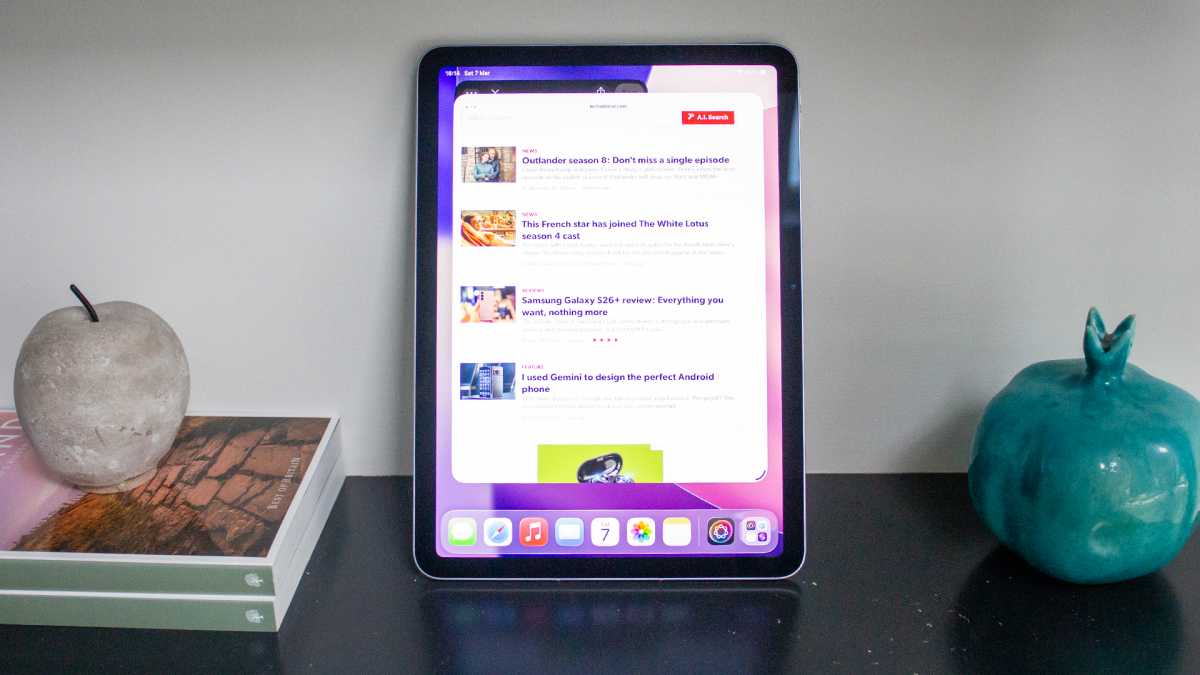
The iPad Air (M4) runs iPadOS 26 out of the box, and this software brings a more capable windowing system and a dedicated Preview app for PDFs and markup – two features that help make this tablet feel more like a laptop alternative than any previous iPadOS release. The new windowing approach gives apps more flexibility in terms of how they resize and overlap, which is an excellent improvement for anyone who uses the iPad Air as a productivity device with a keyboard attached.
There are already a couple of useful features in the Apple Intelligence suite
Apple Intelligence is fully supported here, too, and with 12GB of RAM and the faster Neural Engine of the M4, on-device AI tasks run without an issue. We’re still waiting for a smarter and more contextualised Siri, but there are already a couple of useful features in the Apple Intelligence suite. Priority Notifications is one of my favourites, helpfully surfacing time-sensitive alerts, and I wouldn’t be without Priority Inbox now either, which pulls important emails to the top of your inbox.
Britta O’Boyle
The Writing Tools, Clean Up in photos, and transcription capabilities built into iPadOS 26 are also all accessible on the iPad Air (M4), and they all come in handy in their own ways.
On the whole, iPadOS remains a better tablet operating system than Android alternatives – the App Store selection is optimised for larger screens, first-party apps are high-quality, and there’s the overall polish of the experience. The improvements to multitasking in iPadOS 26 address some longstanding criticisms too, though power users who want true desktop-class window management will probably still find the experience more constrained than macOS, and there’s no support for multiple users either.
Still, Apple typically supports its devices with software updates for around seven years, meaning the iPad Air (M4) should continue receiving new features well into the early 2030s. When I said it’s future-proofed, I meant it.
Price & Availability
The iPad Air (M4) maintains the same pricing as its predecessor: £599/$599 for the 11-inch model with 128GB and Wi-Fi, and £799/$799 for the equivalent 13-inch version. Adding cellular connectivity costs an additional £150/$150 over Wi-Fi configurations. Storage can be upgraded to 256GB, 512GB, or 1TB across both sizes.
The top-spec 11-inch model with 1TB and cellular reaches £1,249/$1,249, at which point the iPad Pro starts to look like a more sensible conversation. The Apple Pencil Pro adds £129/$129 and the Magic Keyboard starts from £299/$269, so you should factor accessory costs in before committing if they’re something you’ll want or need.
Pre-orders opened on 4 March 2026, with availability from 11 March. The iPad Air (M4) is available from Apple directly, as well as from Amazon, Currys and Argos in the UK, and Amazon, Best Buy, and other major retailers in the US.
Should you buy the iPad Air (M4)?
The Apple iPad Air (2026) or iPad Air (M4) is the best version of the iPad Air that Apple has made. If you’re buying a new tablet and can stretch to the price, there’s very little reason to look elsewhere. The combination of the M4 chip, 12GB of memory, Wi-Fi 7, and iPadOS 26 makes it more future-proofed than any of its predecessors were at launch.
If you already own an M3 iPad Air, you don’t need to upgrade. The improvements are there but unlikely to manifest as a noticeably different experience in daily use for most people. If you’re coming from an M1 or M2 model – or from a non-Apple tablet – the case is considerably stronger.
The absence of Face ID, the 60Hz display, and the slow charging are all shortcomings that feel increasingly hard to justify at this price. But they don’t overshadow what is otherwise an exceptionally accomplished tablet. The iPad Air (M4) is excellent.
Specs
- iPadOS 26
- 11in or 13in IPS LCD display
- 11in: 2360 x 1640 (264ppi, 500 nits) / 13in: 2732 x 2048 (264ppi, 600 nits)
- Stereo speakers
- Touch ID
- 12GB unified memory, 120GB/s memory bandwidth
- 128GB / 256GB / 512GB / 1TB storage
- Apple M4 (8-core CPU, 9-core GPU)
- Wi-Fi 7, Bluetooth 6, Thread (via N1 chip)
- 5G cellular with C1X modem (optional)
- eSIM
- 12Mp Landscape front camera with Center Stage, 1080p video
- 12Mp rear camera, f/1.8
- USB-C, 20W charging
- 28.93Wh battery (11in) / 36.59Wh battery (13in)
- Available in Space Grey, Starlight, Blue, Purple
- 247.6 x 178.5 x 6.1mm (11-inch) / 280.6 x 214.9 x 6.1mm (13-inch)
- 460g (11in Wi-Fi) / 616g (13in Wi-Fi)